Page 165
724-746-5500 | blackbox.com
Chapter 4: Configuration
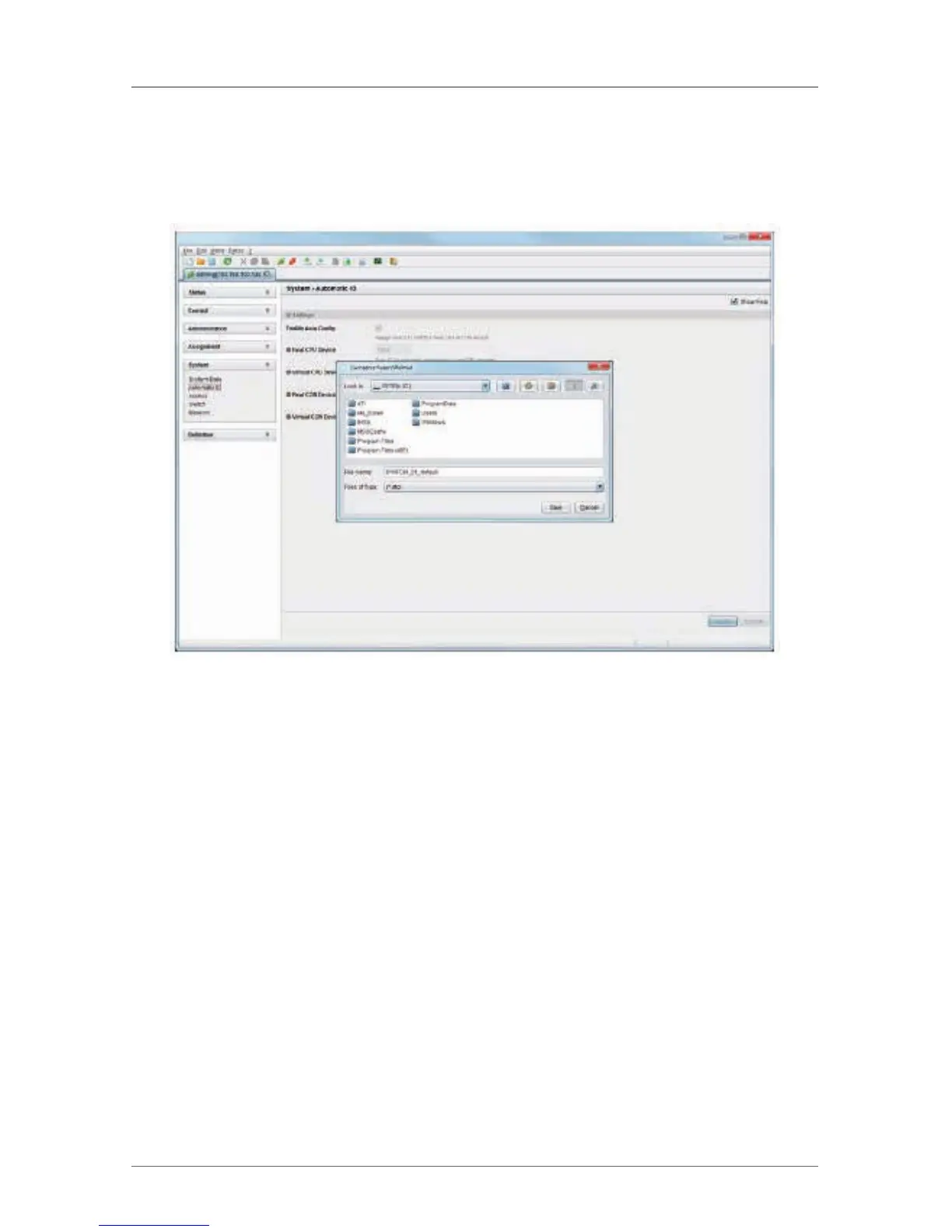
2. Select the directory of the configuration on your storage medium where it will
be saved.
NOTE: Configurations are always saved in a file ending “dtc.”
Figure 4-80. Menu File—Save As screen.
4.10.5 Loading of Configurations (External)
Externally saved configurations are opened and activated in this menu.
You have the following possibilities to load configurations from files:
1. Select “File > Open…” during off-line mode and select the storage location of
the configuration file that has to be opened.
2. Open the configuration by pressing the “Open” button.
3. Select “File > Upload to…” in the menu bar to transfer the opened
configuration to the matrix. Enter the necessary parameters.
4. Select “Matrix > Connect” in the menu bar to make a connection between the
matrix and the Java tool. Enter the necessary parameters.
5. Select “Administration > Activate Configuration” and select the configuration
to be activated.



 To Next Page