Page 136
724-746-5500 | blackbox.com
Chapter 4: Configuration
OSD
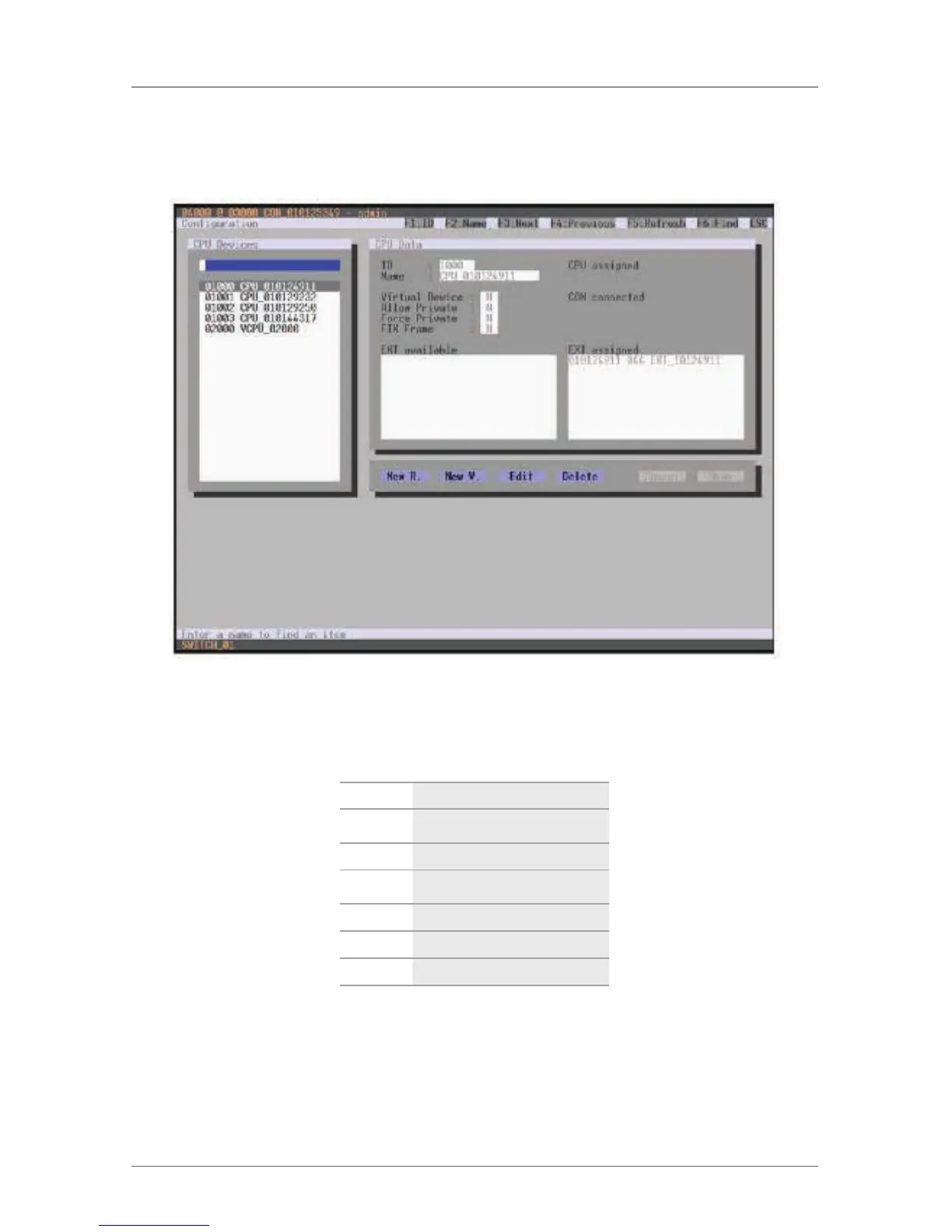
Select “Configuration > CPU Units” in the main menu.
Figure 4-50. Menu Configuration—CPU Devices screen.
You can select between the following buttons:
Table 4-32. CPU unit buttons.
Button Function
New R. Create a new real CPU unit
New V. Create a new virtual CPU unit
Edit Edit an existing CPU device
Delete Delete an existing CPU device
Cancel Reject changes
Save Save changes



 To Next Page