Page 177
724-746-5500 | blackbox.com
Chapter 4: Configuration
Preparation
Follow these steps to prepare for the matrix update:
1. Save the matrix configuration externally.
2. Open “Extras > Options” in the menu bar and insert the directory from which
the updated files should be sourced in the ”Firmware Directory” setting.
3. Put all hot spare boards into the matrix.
4. Activate the Syslog function for the monitoring of the update, if unlocked via
license key.
CAUTION: Make sure that all USB 2.0 extenders are only connected to the
provided ports (fixed ports) before you start the matrix update. If you
don’t, the stability of the update will be compromised.
Performing the Update
Prepare for the matrix update by following these steps:
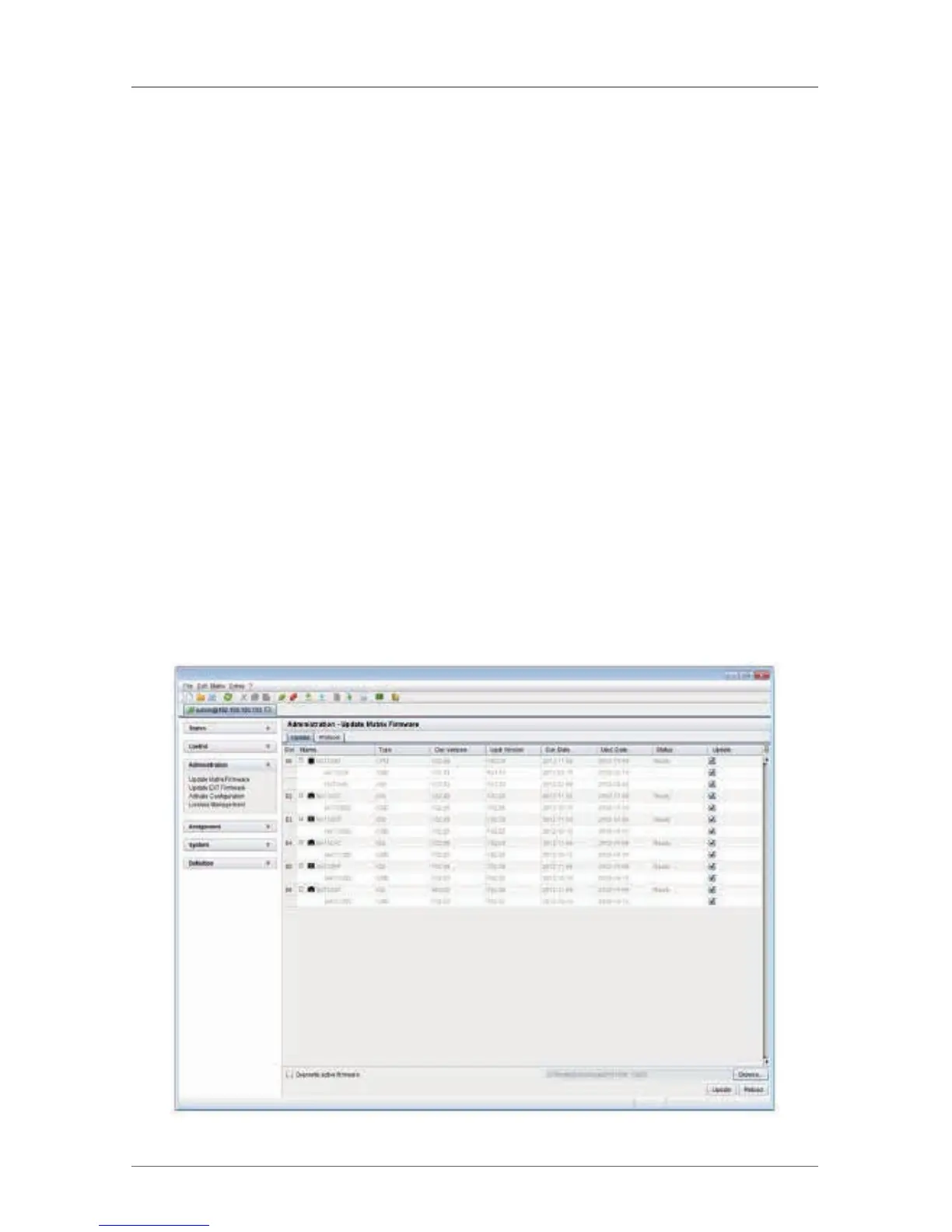
1. Select “Administration > Update Matrix Firmware” in the task area.
All updateable components of the matrix will be automatically selected and
highlighted in green after you browse for a valid .TFW file.
Figure 4-93. Menu Administration – Update Matrix Firmware.



 To Next Page