Page 71
724-746-5500 | blackbox.com
Chapter 2: Overview
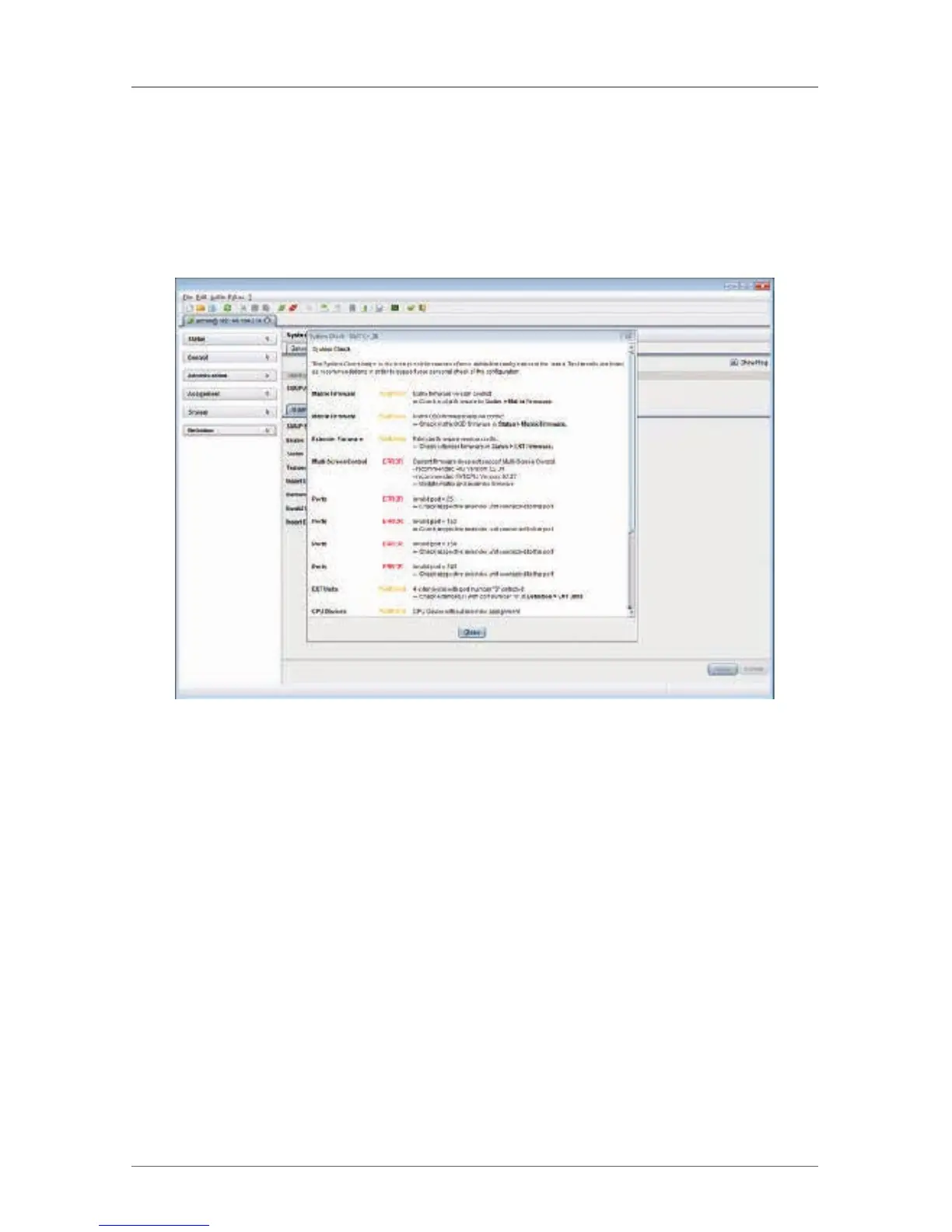
NOTE: If the messages ”WARNING” and “ERROR” are created by the System
Check function, the problem will be described and a basic guideline will be
provided.
To start System Check, proceed as follows:
• Select the symbol System Check in the symbol bar.
Figure 2-59. Menu – System Check.



 To Next Page