Blackmagic Camera Utility
17
How to Update Your Camera Software on Mac OS X
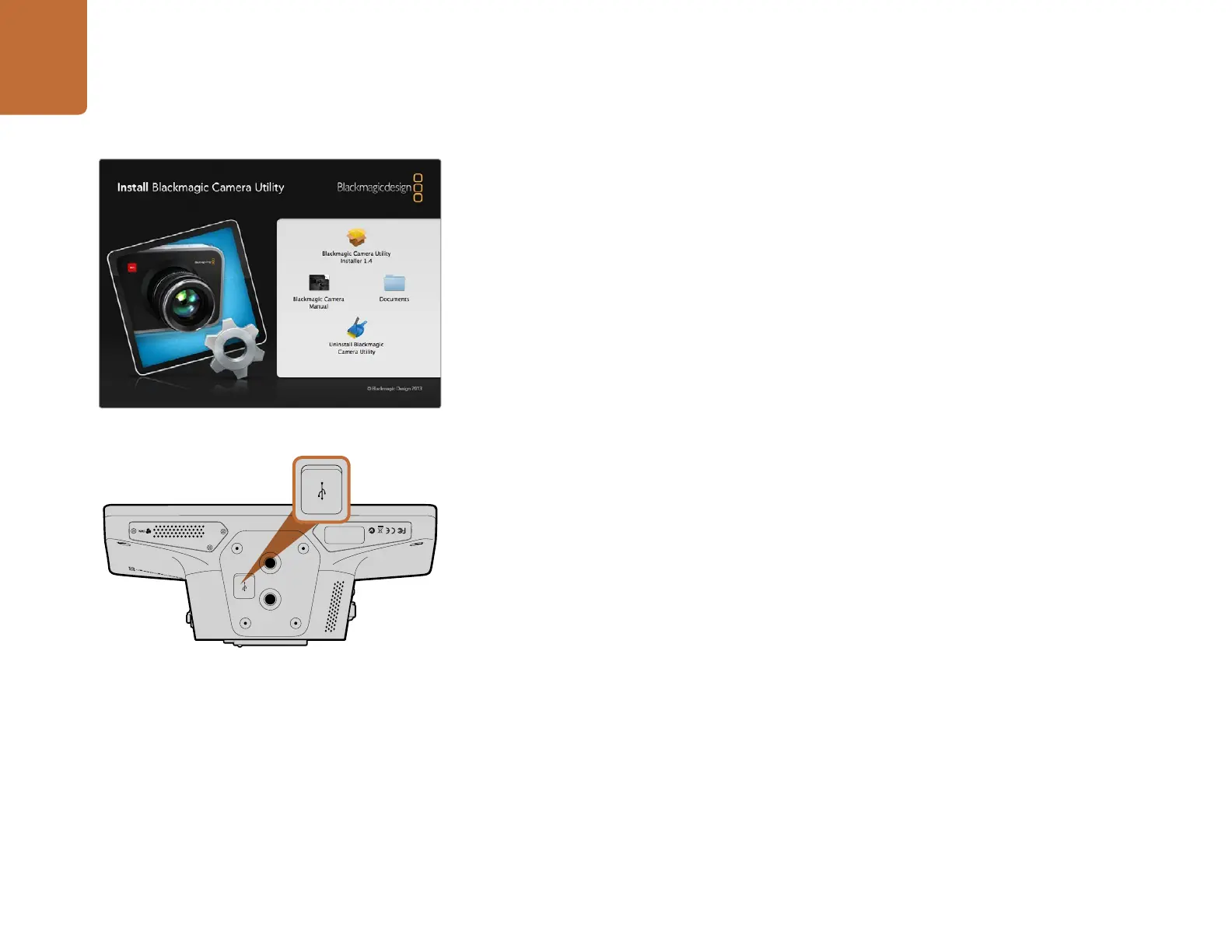
After downloading the Blackmagic Camera Utility software and unzipping the downloaded file, open
the resulting disk image to reveal its contents.
Launch the Blackmagic Camera Installer and follow the on screen instructions.
How to Update Your Camera Software on Windows
After downloading the Blackmagic Camera Utility software and unzipping the downloaded file,
you should see a Blackmagic Camera Utility folder containing this PDF manual and the Blackmagic
Camera Utility installer.
Double-click the installer and follow the on screen prompts to complete the installation.
How to Update the Camera Software
After installing the latest Blackmagic Camera Utility on your computer, connect a USB cable between
the computer and the camera. The Mini-B USB 2.0 port is located on the underside of the camera.
Launch the Blackmagic Camera Utility and follow any on screen prompt to update the camera software.
Blackmagic Camera Utility
1
PUSH
2
PUSH
FOCUS
SDI OUT
OPTICA
L OUT
OPTICAL IN
SDI IN
REF
12V
IRIS PTT PGM LUT SET DISPLAY MENU
1
PUSH
2
PUSH
FOCUS
SDI OUT
OPTICA
L OUT
OPTICAL IN
SDI IN
REF
12V
IRIS PTT PGM LUT SET DISPLAY MENU
The Mini-B USB 2.0 port is located on the underside
of the camera.
Blackmagic Camera Utility software.



 To Next Page