Attaching Accessories
18
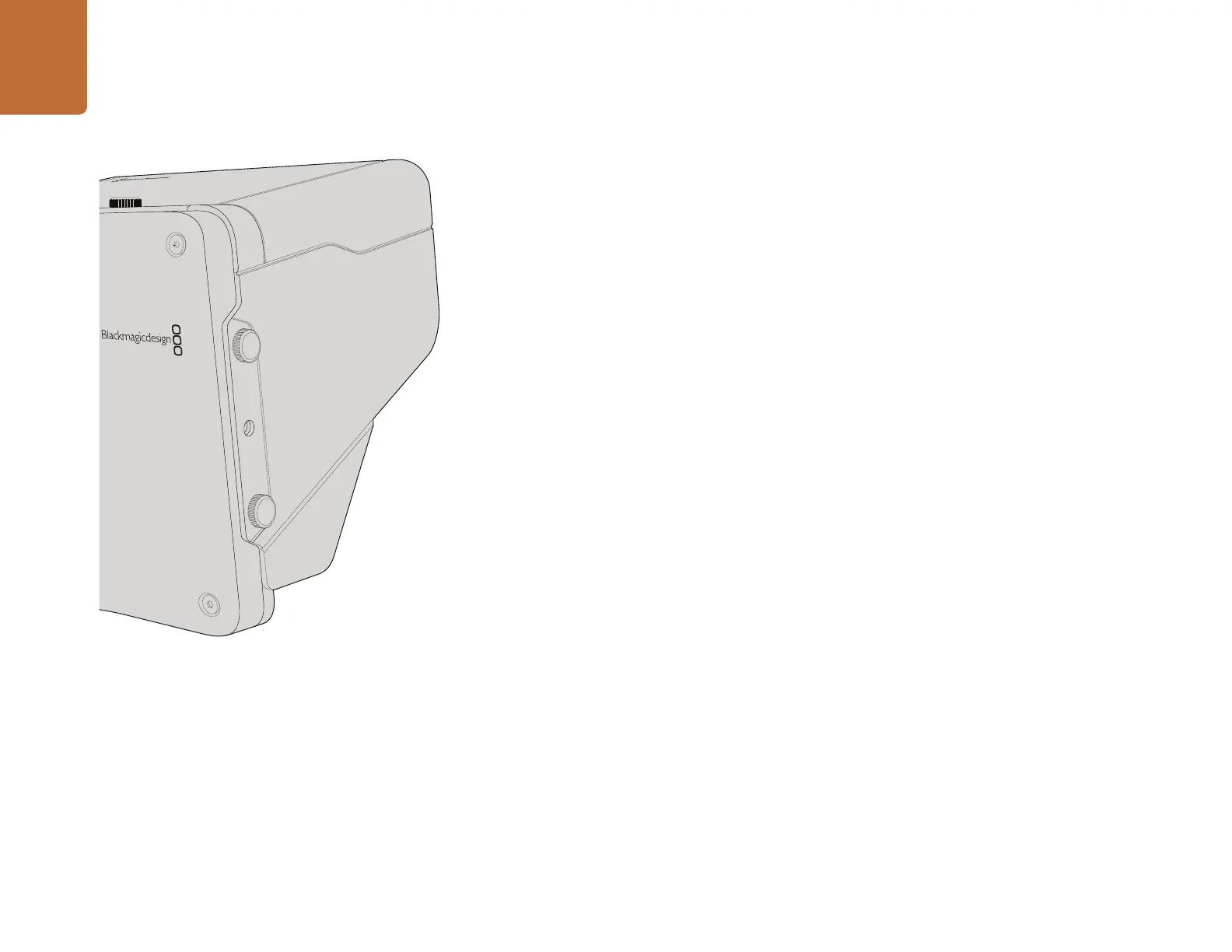
Sun Shade
The Studio Cameras include a foldable sun shade to shade the LCD in bright conditions and ensure
optimum viewing is possible at all times.
Step 1. Locate the 6 thumbscrews that are included with your Studio Camera.
Step 2. Align the holes in the sun shade with the camera's mounting points and screw in 2 thumbscrews
to the top and each side of the camera to firmly secure the sun shade.
Other Accessories
For studio use you might want to mount the camera on a pedestal and add rails for large broadcast lenses
and teleprompters. For outside broadcast your may want to attach microphones, external batteries, or
LANC remote controllers. The camera includes two 3/8” mounting points on the bottom, and ten 1/4”
mounting points on the sides and the top. This means you have the flexibility to customize your rig for
any size production.
Attaching Accessories



 To Next Page