Enigma™ M4 Manual - Rev A Page 48 (c) 2020 Blizzard Lighting, LLC
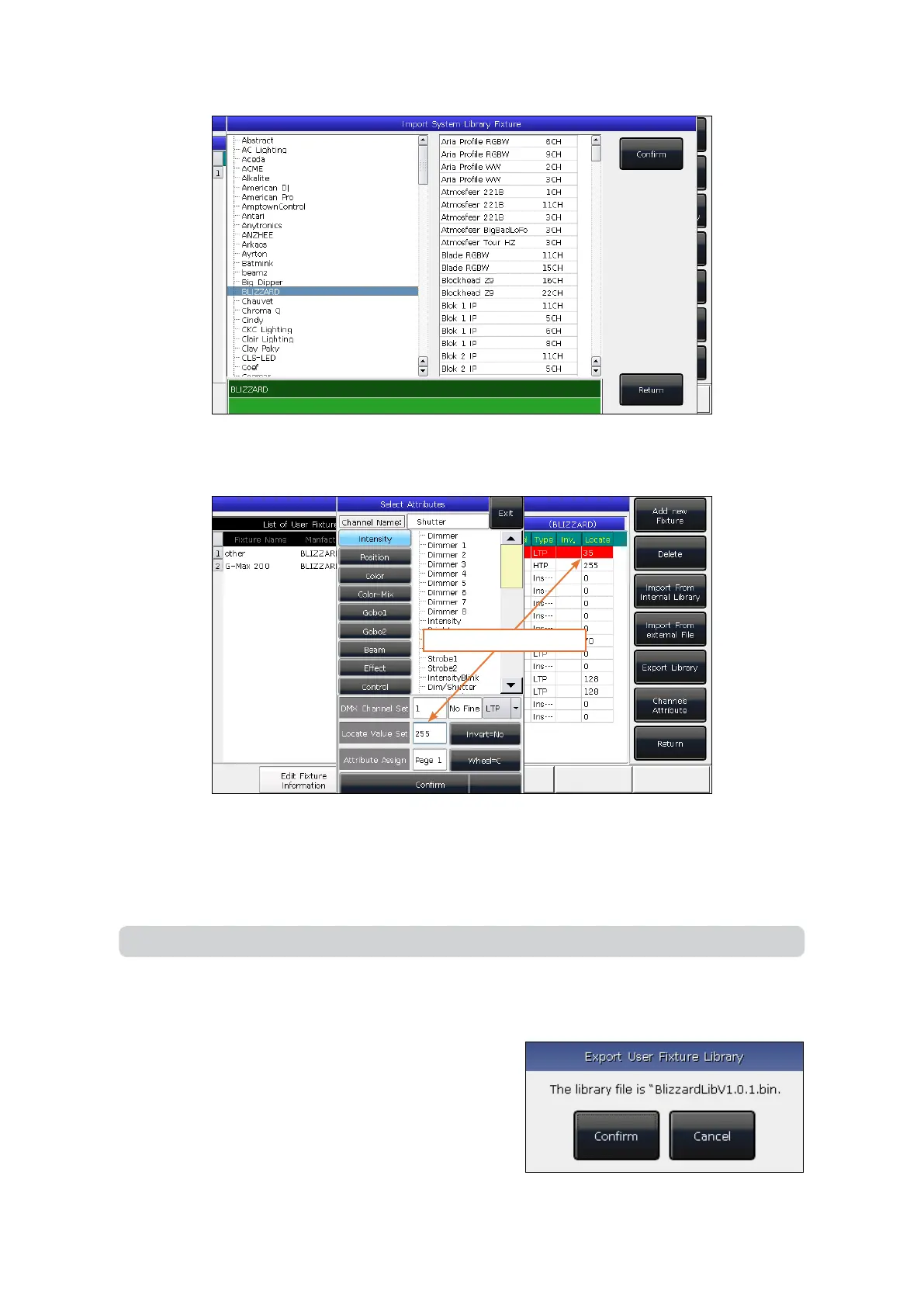
6. Select the import library, then select the needed channel.
7. Press [Channels Attribute] and amend the information of the channel.
8. Press [Return] and [Conrm] to save.
9.3.2.4. Export Library
You can export user libraries to the USB drive. The backed
up user libraries may used in another Enigma™ M4 lighting
consoles.
Adjust the Locate Value
Note: All preset, range table, and macro details will be deleted after editing the library.
5. The import library will be listed in List of User Fixtures.



 To Next Page