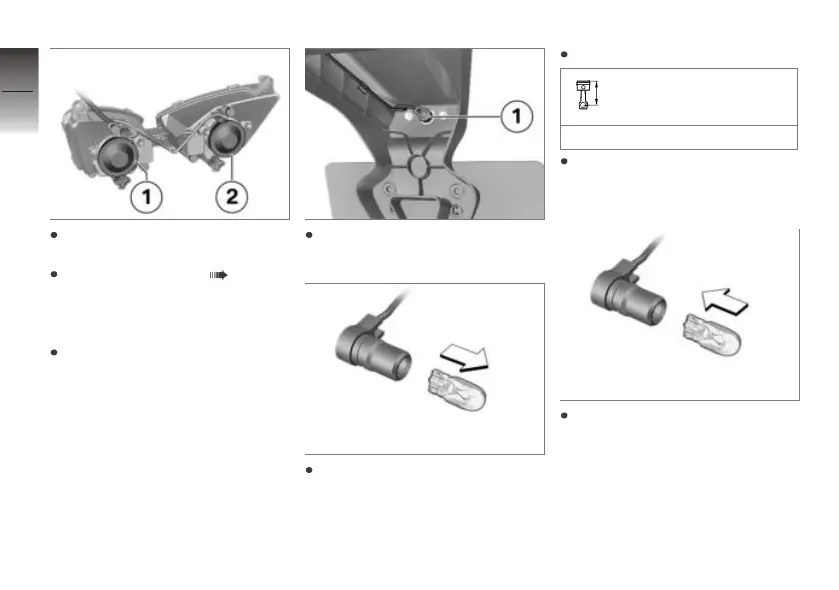
Install cover 1 or cover 2, as
applicable.
Installing side panel ( 99).
Replacing number-plate
light
Switch off operational readi-
ness.
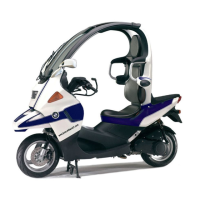
Pull number-plate light bulb 1
out of the light housing.
Remove the bulb from the
socket.
Replace the defective bulb.
Bulb for number-plate
light
W5W / 12 V / 5 W
Use a clean, dry cloth to hold
the new bulb in order to keep
the glass free of foreign matter.
Insert the bulb into the socket.
9
96
z
Maintenance



 To Next Page