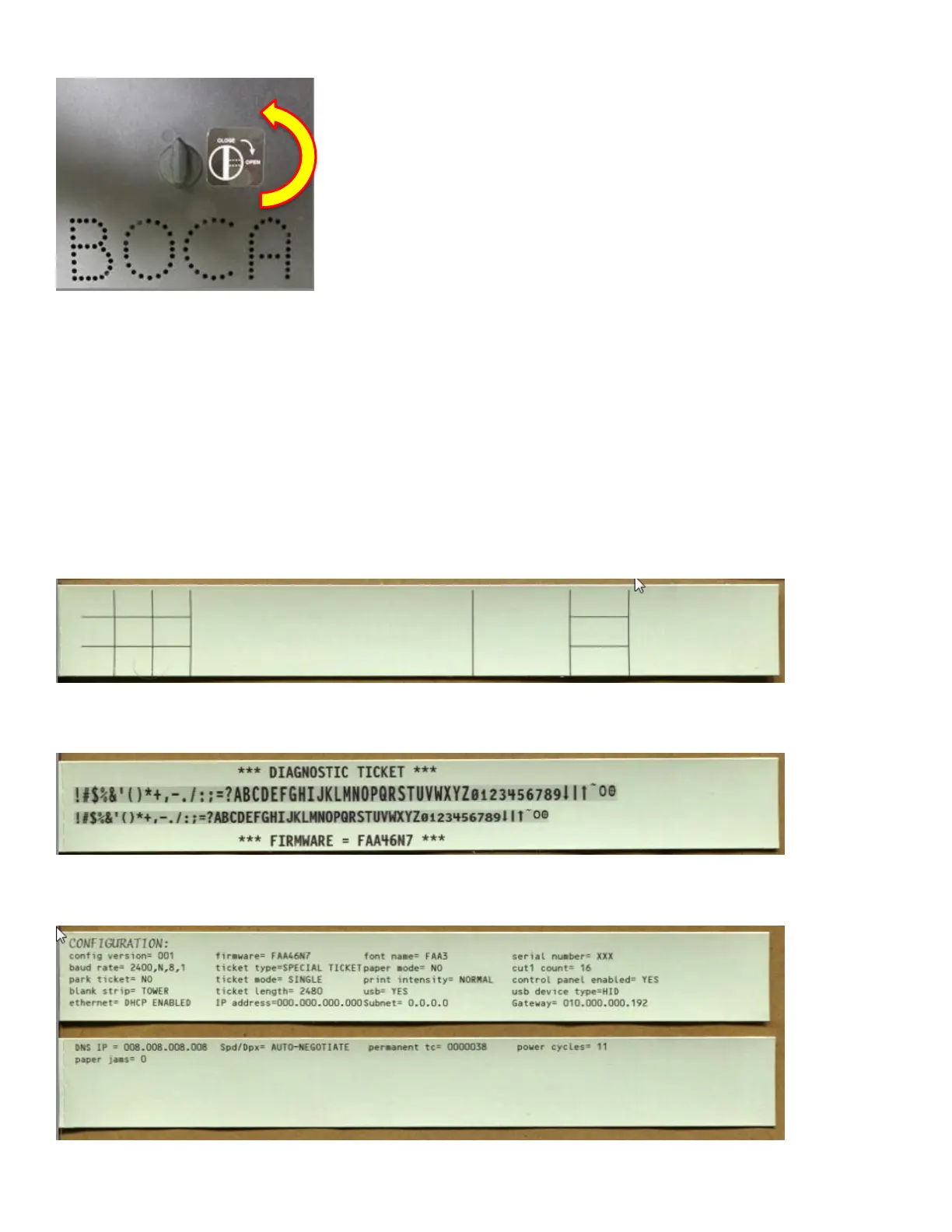
To install the cover back in place, make sure the knob is in the unlocked position. Fit the cover onto
the opto of the printer and turn the knob to the locked position.
Verify that the printer is configured to use the correct flight strip type. If not, remove the cover of the
Lemur-FDIO and adjust the adjustable paper guide by hand (see section 7.1.5) so that the flight strip
is guided properly, without making it too tight. You will also need to use the control panel to configure
the print format, as described in the Programming Guide. After the printer is properly configured, feed
the flight strips into the entry paper guide (see Fig 6) with the green side facing up until the printer
automatically positions the strip.
The Lemur- FDIO can print three test strips:
(1) BLANK Strip (by pressing BLANK STRIP)
(2) DIAGNOSTIC Strip (by simultaneously pressing BLANK STRIP and ON/OFF buttons with printer offline)
(3) CONFIGURATION Strip (by simultaneously pressing MENU and ON/OFF buttons with printer offline)



 To Next Page