8.5 Power Switch Board Removal/Replacement
Please make sure the printer is powered off and unplugged from the AC source.
1. Remove the cover from the printer.
2. Gain access to the power switch board by removing the electronics cover. See section 8.1.
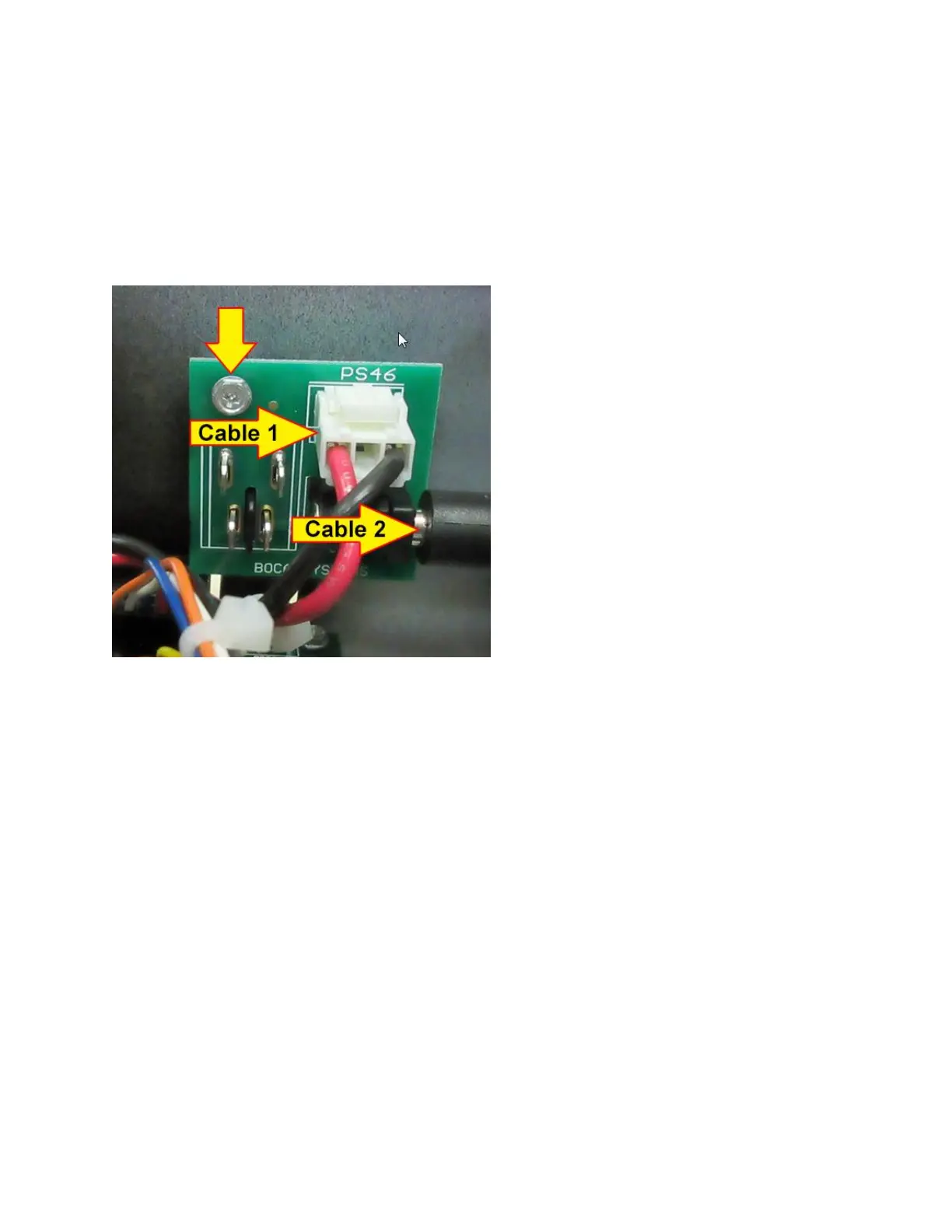
3. Unplug the two cables that are connected to the power switch board and remove the one 3/16”
hex head screw that attaches the board onto the cabinet.
4. Install the replacement switch power board by reversing the above steps.
5. Install the electrical cover back in place.



 To Next Page