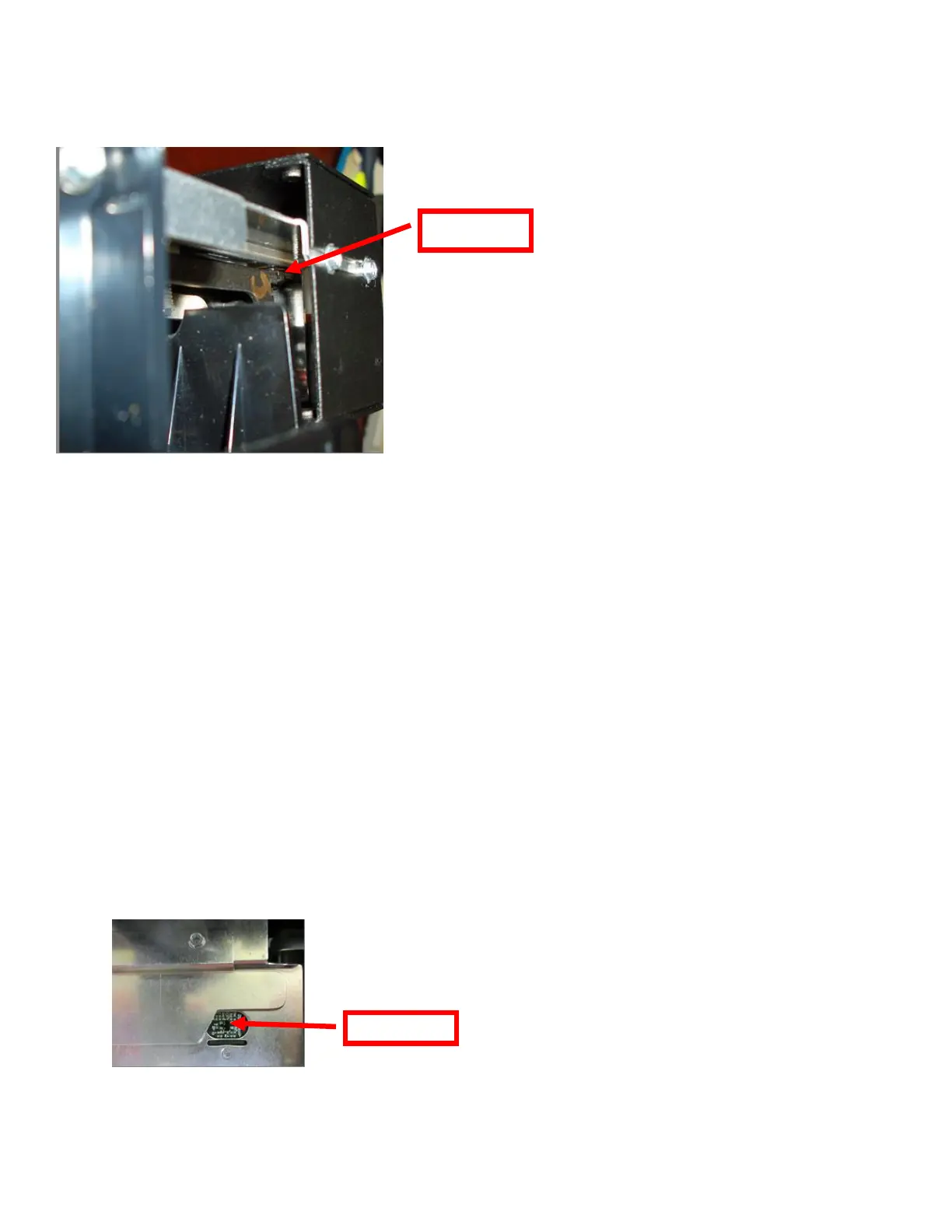
7.1.2 Cut Opto Assembly
The purpose of this device is to sense the black mark located on the rear of the flight strip in order to determine
a cut position.
The cut position may be adjusted via the control panel (see section 6.0).
If you are not able to get the desired cut position, make sure your ticket stock is being loaded correctly into the
printer and BLANK FLIGHTS STRIPS menu setting matches the stock being used.
Once a year the opto eye should be blown off with air. This interval will vary depending upon the
environment and the quality of the ticket stock.
7.1.3 Load SQ Opto
The Load SQ Opto is located on the paper guide assembly. The purpose of this device is to sense the
presence of flight strips. No adjustment is required. Once a year the opto eye should be blown off with air.
This interval will vary depending upon the environment and the quality of the flight strip stock.
The following needs to be done with the printer powered off and unplugged from the AC source.
1. Remove the print head mounting plate from the printer as shown in section 7.1.1.
2. With canned air, blow off the area shown in the below photo.
3. Install the head mounting plate and lock the cam lock lever back in place. Printer is now ready for
normal operation.



 To Next Page