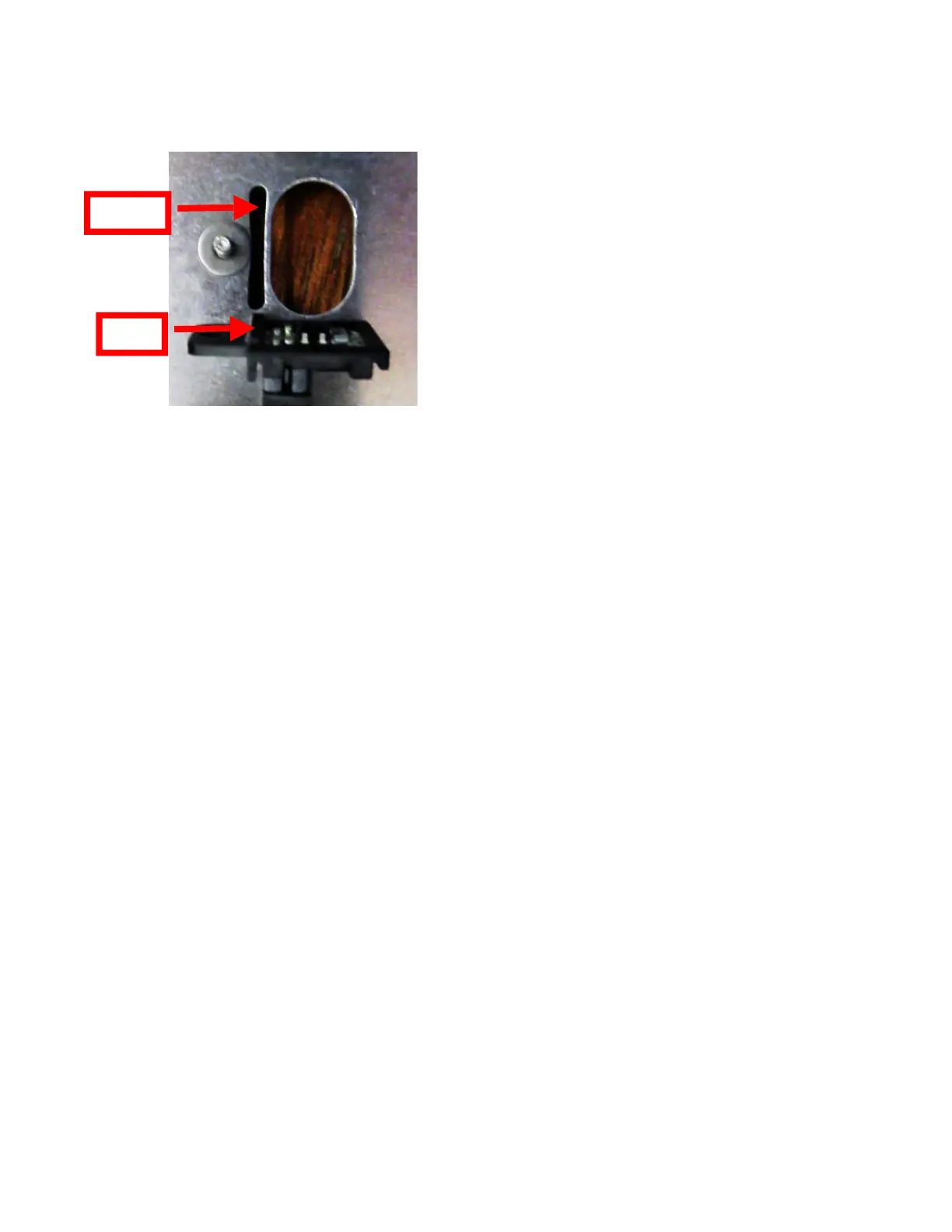
6. There is a washer just under the black Load SQ Opto mounting bracket that must not be
removed. When installing the opto back in place make sure the tab on the black opto mounting
bracket lines up with the slot in the paper guide. Installed the flat washer and 1⁄4” nut back in
place then tighten.
7. Mount the print cage back onto the electrical cover; take care to make sure wires are not being
pinched.
8. Electronics cover may be installed back onto the printer.



 To Next Page