Front panel
12 of 29
JUD408312 Rev.B JSE410920 22/07/08
3.3.2 Output
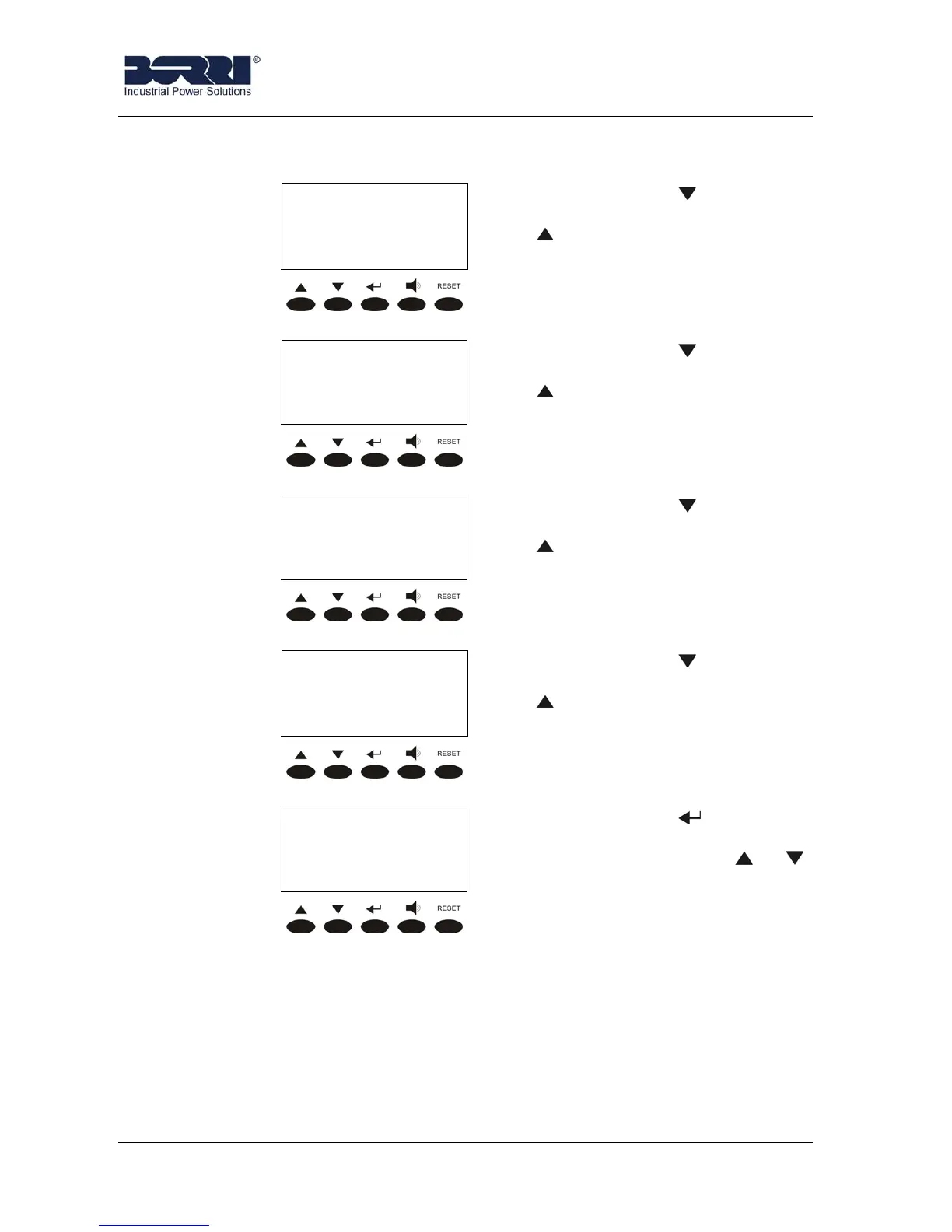
OUTPUT VOLT/CURR
XXX YYY ZZZ V
xx.x yy.y zz.z A
Pressing the key the following
parameter is shown, while the key
leads to the previous screen.
OUTPUT POWER
XXXXX W
XXXXX VA
Pressing the key the following
parameter is shown, while the key
leads to the previous screen.
OUTPUT FREQUENCY
XX.X Hz
Pressing the key the following
parameter is shown, while the key
leads to the previous screen.
LOAD %/OUTPUT CF
XX YY ZZ %
xx.x yy.y zz.z
Pressing the key the following
parameter is shown, while the key
leads to the previous screen.
< OUTPUT >
EXIT
Pressing the key leads to the
MEASURES menu screen (see
3.3), pressing the keys or
the measures are shown again.








 To Next Page