Need help?
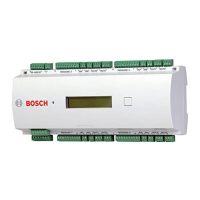
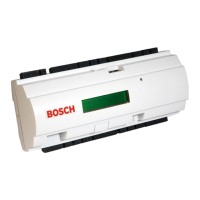
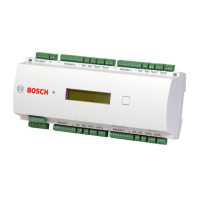
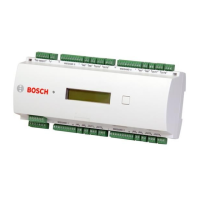
Do you have a question about the Bosch Access Easy Controller 2.1 and is the answer not in the manual?
Crucial safety precautions and warnings for unit operation and maintenance, including handling, service, and power.
Mechanical layout, technical specs, and power requirements of the 100-240 VAC PSU.
Requirements and procedures for installing various readers and field devices like door strikes and contacts.
Step-by-step instructions for installing and testing HID MiniProx, ProxPoint, and ProxPro readers.
Step-by-step guide for installing the controller, including wiring, board checks, and power-up.
Steps to connect the AEC2.1 to a computer and network for initial setup.
Detailed steps for setting the controller's IP address, subnet mask, and gateway for network operation.
Configuring dial-in security, user IDs, passwords, and network settings for remote access.
Step-by-step guide on setting up a Windows computer to dial into the AEC2.1.
Procedure for restoring a backup database from a computer to the AEC2.1 controller.
Steps to set up a reader for dual functionality as an access reader and an arm/disarm device.
Comprehensive guide on installing TCP/IP protocol and assigning an IP address to a computer.
Steps for setting up a WAVECOM GSM modem and testing its communication.
Recommended battery specifications, dimensions, and performance characteristics for the AEC2.1.
Guidance on troubleshooting login failures, including incorrect credentials and browser settings.
Step-by-step procedures for identifying and resolving network connection problems with the AEC2.1.
 General
| Model | Access Easy Controller 2.1 |
|---|---|
| Power Supply | 12 V DC |
| Communication Interface | RS-485 |
| Number of Doors | 2 |
| Enclosure | Plastic |
| Mounting | Wall Mount |
| Protection Class | IP20 |
| Inputs | 4 |
| Outputs | 2 |
| Operating Temperature | -10°C to +55°C |
| Current Consumption | 200 mA (idle), 500 mA (max) |
| Weight | 200 g (0.44 lbs) |

 To Next Page