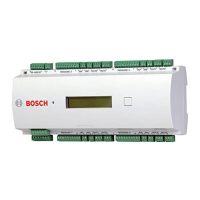
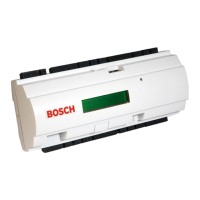
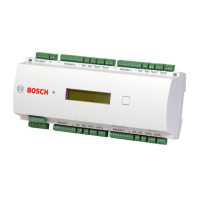
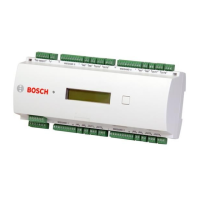
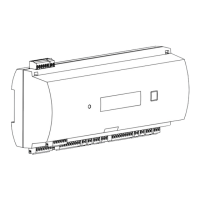
Access Easy Controller 2.1 Overview of Access Easy Controller 2.1 | en 11
Robert Bosch (SEA) Pte Ltd Hardware Installation Manual 2018.11 | 1.0.6 | F.01U.122.796
3.2 Basic Functions in Access Easy Controller 2.1
Based on hardware configuration and database setup, AEC2.1 offers all the features and
functions available with high-end access controllers.
– Door access control using card readers, or card reader and PIN code
– In and Out readers for high security areas
– Video verification for door access
– View Live and Playback videos
– Download event videos to PC
– Anti-passback control
– Alarm monitoring of reader controlled doors for Door Held and Door Forced conditions
– Alarm monitoring of non-reader doors and other inputs
– Manual door unlocking and locking
– Automatic door locking and unlocking based on schedules
– Automatic Arming and Disarming of input points
– Lighting and output control based on schedules
– Special scheduling option for holidays
– Built-in reporting capabilities
– Common alarm output for connection to intrusion alarm system
AEC2.1 supports a wide range of applications, it is necessary you understand how to configure
it and select the necessary hardware, such as card readers or additional input/output boards.
Unlike other access controllers, no special software is required on a host computer. The
software needed to program and operate the AEC2.1 is built in the controller. Data entry and
system monitoring functions are performed by connecting to the controller with a standard
Web browser, such as Microsoft's Internet Explorer version 7.0.
For more information on using the data entry and monitoring screens, refer to the AEC2.1
Software Manual.


 To Next Page