Page 26
BOSCHE Weighing Systems
Version 4.0
2024-03-27
4 | Operation Weighing Terminal EWI / MWI
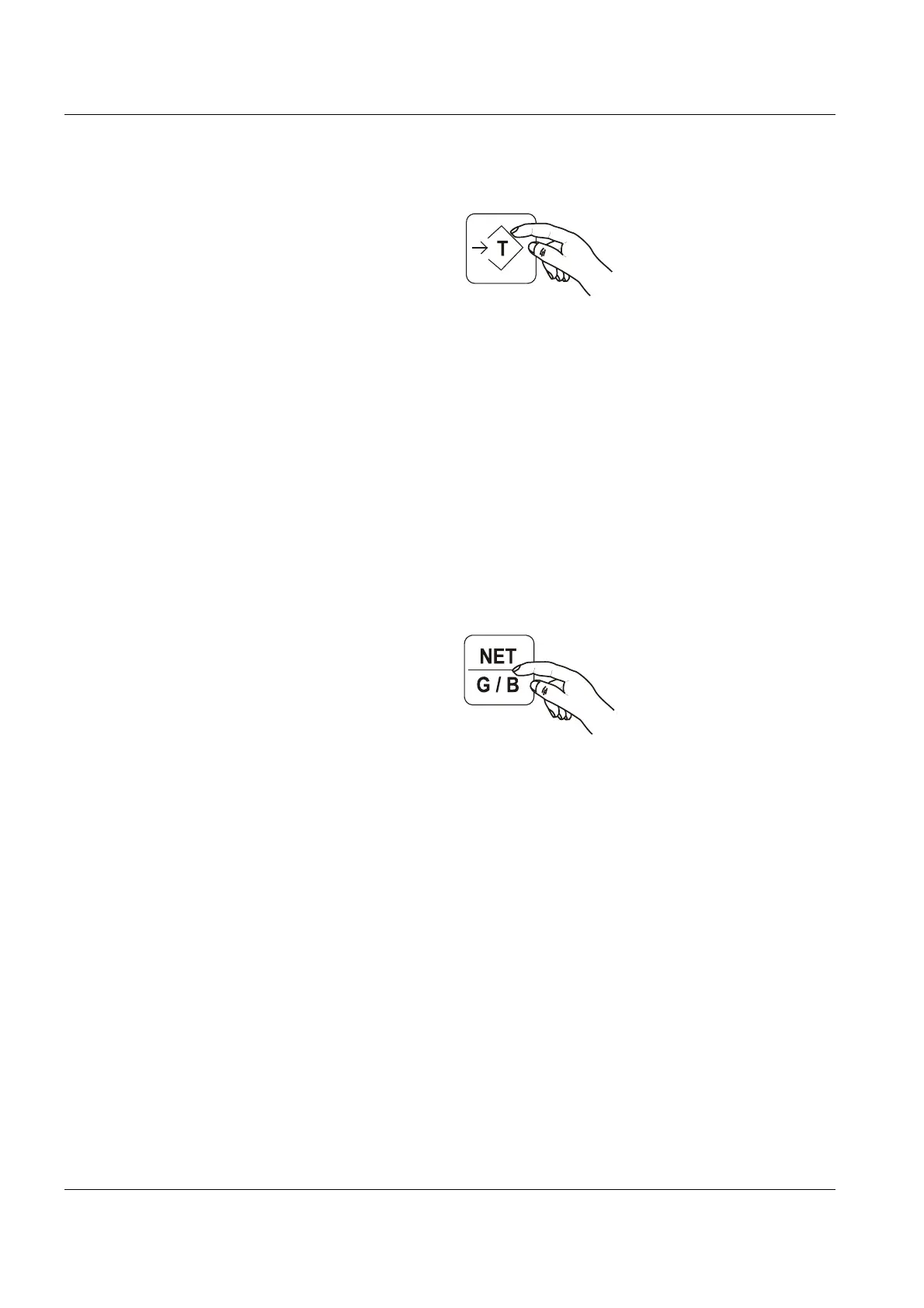
Then the scale can be set by Tare button to "zero" and continues to work in the
net mode.
4.7 Zero tracking
The zero point correction automatically corrects minor deviations of the Zero
indicator. The zero range must be switched on in the password protected menu
The zero tracking:
• is active only after the initial zero.
• is both positive and negative active.
• is activated again after the load has been removed.
• is set to “off“ by default.
4.8 Gross - / net change
Press this button to change at tared scale between the gross / net weight..
In addition, a "G" for gross or "NET" for net will appear on the screen after the
selected unit.


 To Next Page