Version 4.0
2024-03-27
BOSCHE Weighing Systems
Page 117
Weighing Terminal EWI / MWIPassword protected menu (advanced functions) | 6
6.3 Application example for a calibration
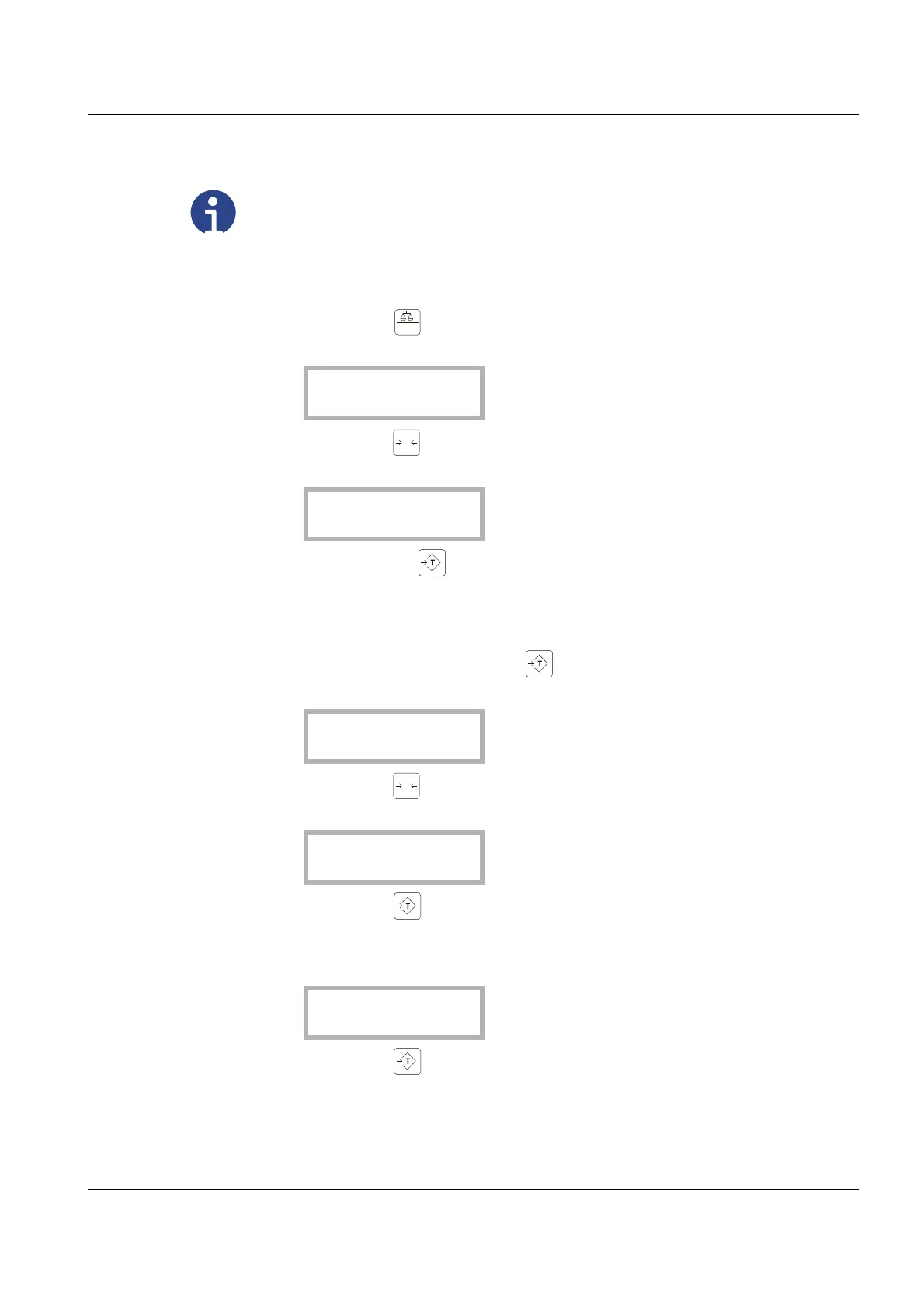
• Ensure that no load is on the scales.
• Switch on the scales using the key “<ON/OFF>”.
• Press the key while the scales counts down.
- The message (Load/load weight) appears again on the display:
• Press the key 6 x.
- The following message appears on the display:
• Press the key .
- The following message appears on the display „- - - - “.
• Enter the code “0000” using the numeric keypad.
• Confirm the code using the key .
- The following message appears on the display:
• Press the key .
- The message (CAL/calibration) appears on the display:
• Press the key .
- You enter the submenu.
- The message (SPAN/two-point calibration) appears on the display:
• Press the key .
Note
For verified scales, the “Pairing“ setting (PAIr P07-07) must be “off“.


 To Next Page