Page 118
BOSCHE Weighing Systems
Version 4.0
2024-03-27
6 | Password protected menu (advanced functions) Weighing Terminal EWI /
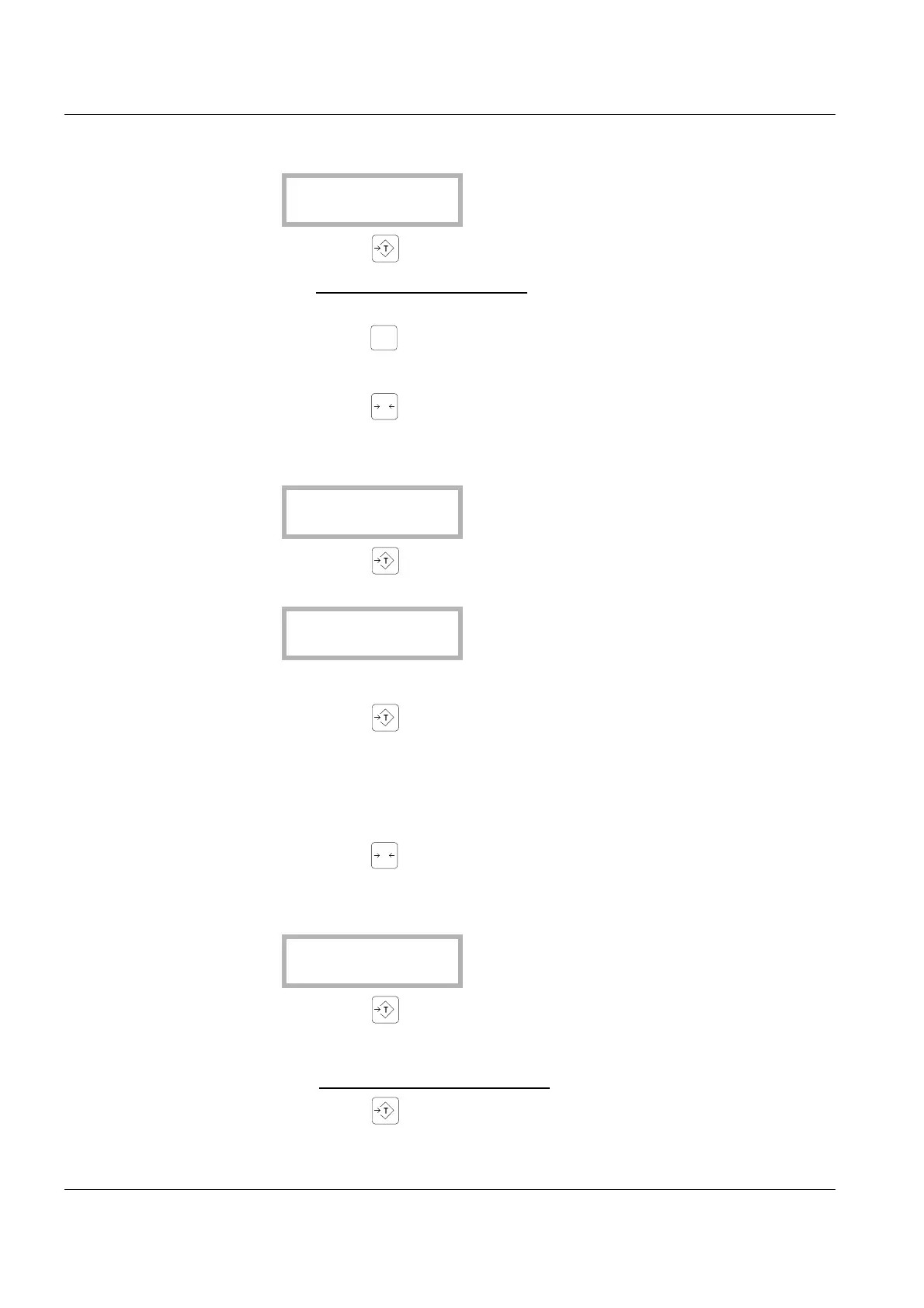
- The message (Raw/raw measured value) appears on the display:
• Press the key .
- The current raw measured value
of the A/D converter appears on the
display.
• Press the key .
- Changes to the raW menu.
• Press the key .
- You enter the next submenu.
- The message (Zero) appears on the display:
• Press the key .
- The following message appears on the display:
- The scale must be unloaded.
• Press the key when the displayed value is stable.
- The message “SEt ok” appear on the display.
- The zero point is calibrated, the value is accepted.
- Changes to the zero menu.
• Press the key .
- You enter the next submenu.
- The following message appears on the display:
• Press the key .
- 00.200 --> flashes
• Enter a value for the calibration weight
using the numeric keypad.
• Press the key .
• Set the calibration weight (according presetting) on the scale.


 To Next Page