Version 4.0
2024-03-27
BOSCHE Weighing Systems
Page 119
Weighing Terminal EWI / MWIPassword protected menu (advanced functions) | 6
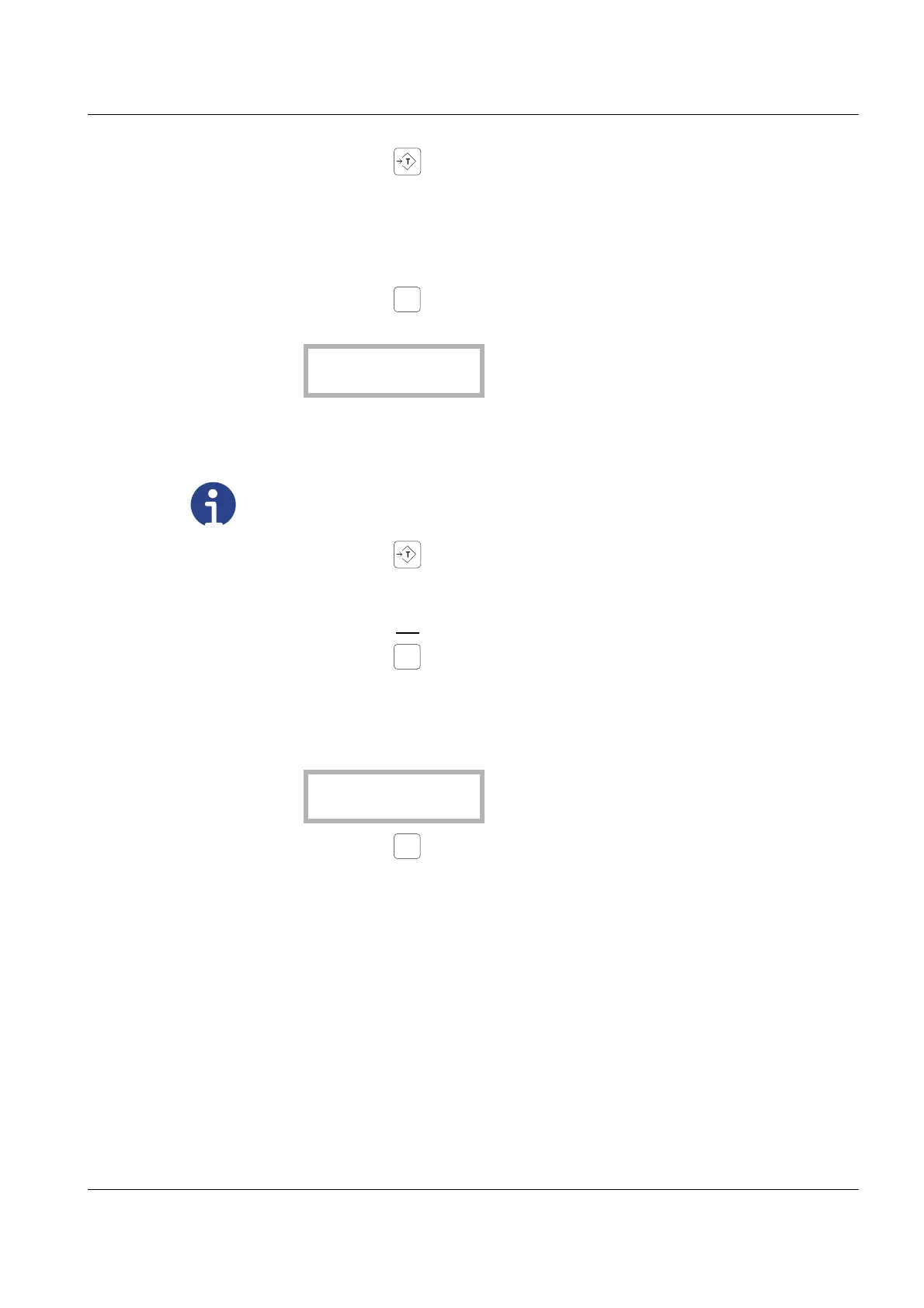
• Press the key when the displayed value is stable..
- The message “SEt ok” briefly appears on the display.
- Changes to the „Load“ Menü.
- The calibration is completed.
• Press the key 3 x to exit the calibration.
- The following message appears on the display:
Should the value be stored?
• Press the key .
- The message “Stored“ briefly appears on the display.
Should the value not
be stored?
• Press the key .
- The message “CLear“ briefly appears on the display.
- The following message appears on the display::
• Press the key .
- The display performs a self-test and changes to normal weighing mode.
Note
Please note, that the value of the eletronic verification counter is increased
by one.


 To Next Page