M1 – M3 Display units
Page 27
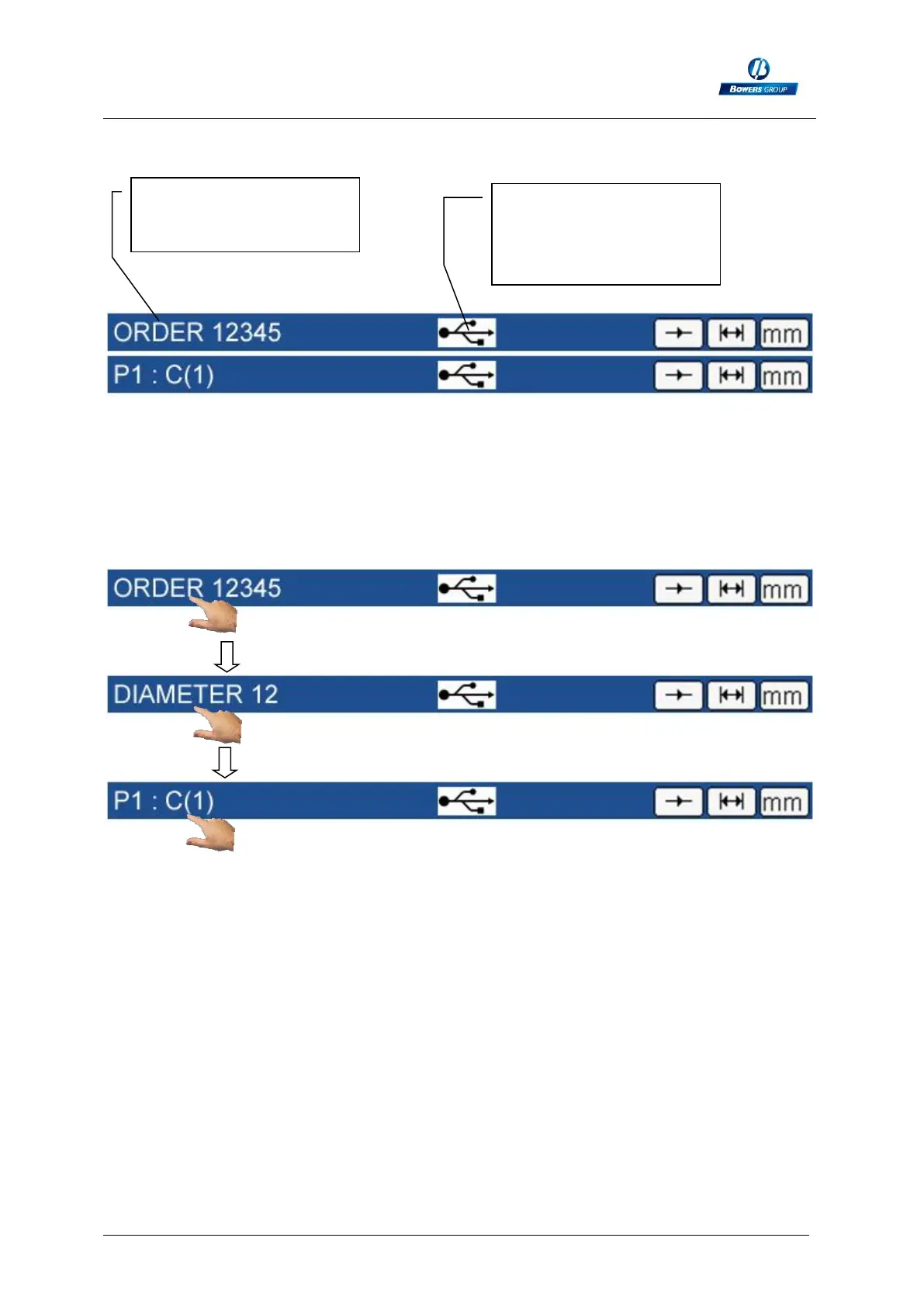
In the same way it is also possible to input a manufacturer order either with an RS232
command, or by scanning a QR code :
Note : When either a characteristic name or a manufacturing order name has been
entered, only 1 information appear on the blue bar. However, the information display
can be changed by touching the area :
Manufacturing order
number entered with
RS232 or QR code
USB logo appear when
a USB stick or a QR
code reader has been
connected.



 To Next Page