M1 – M3 Display Units
Page 30
6. CONFIGURATION OF THE DEVICE AND THE MEASURE
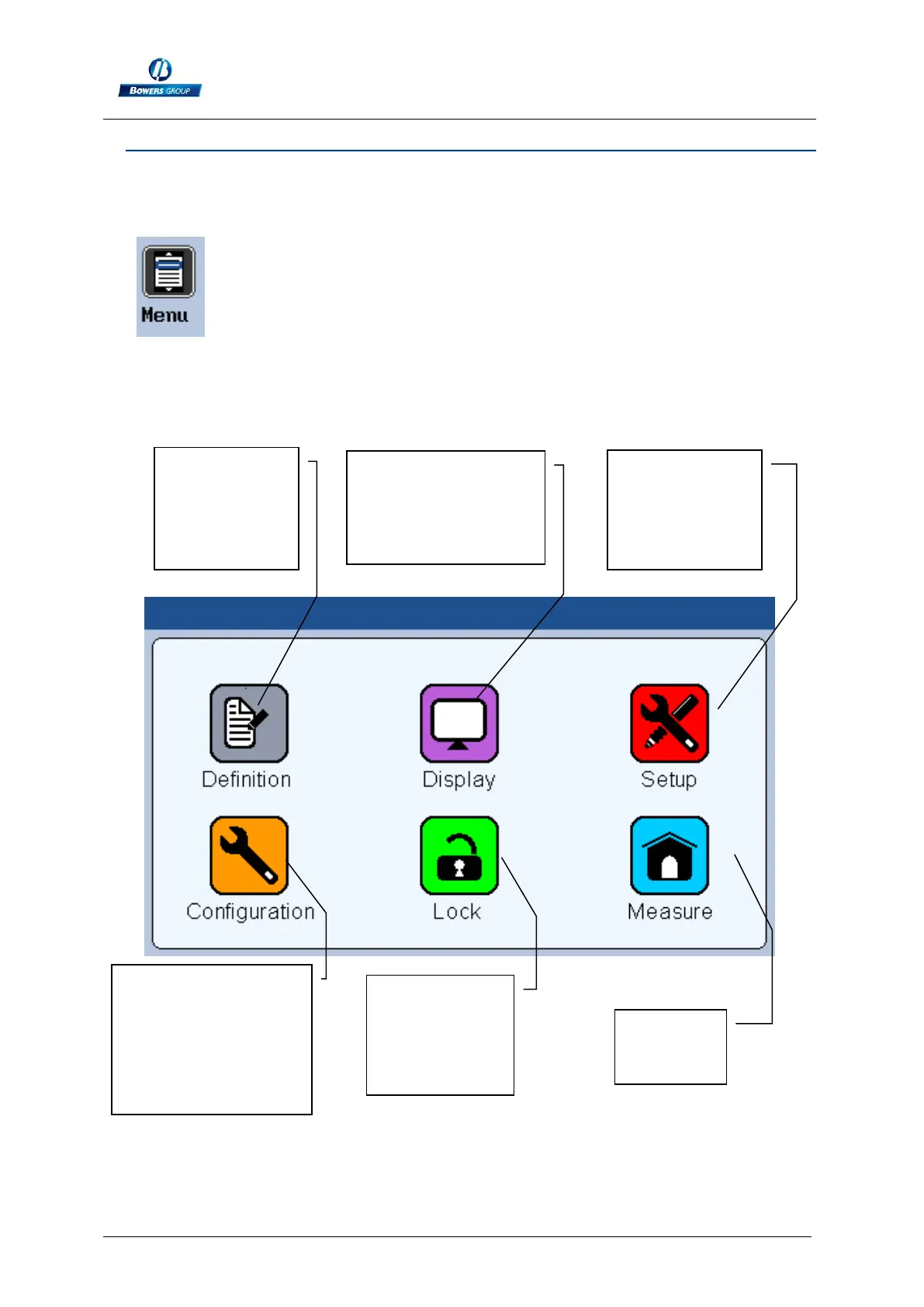
This section describes the different windows that are accessible from the icon
desktop.
If you are on the measuring screen, you can reach the icon desktop by pressing on
the button.
Your M3 can be entirely configured (language, communication etc…) from this
window.
The measure (tolerances, characteristics etc…) is also configured from this window.
The 6 following sections describe the 6 icons of this screen.
Configuration of the
device language,
footswitch function
etc..
Allows to lock
selected
functions by
password
Go to the
measuring
screen
Display mode
selection (1 or 2
bargraph, needle,
without tolerance…)
Characteristic
edition
(tolerances,
master part,
formula)
Calibration of
the device with
masters
connection of
M-Bus modules



 To Next Page