M1 – M3 Display Units
Page 64
8. USB COMMUNICATION
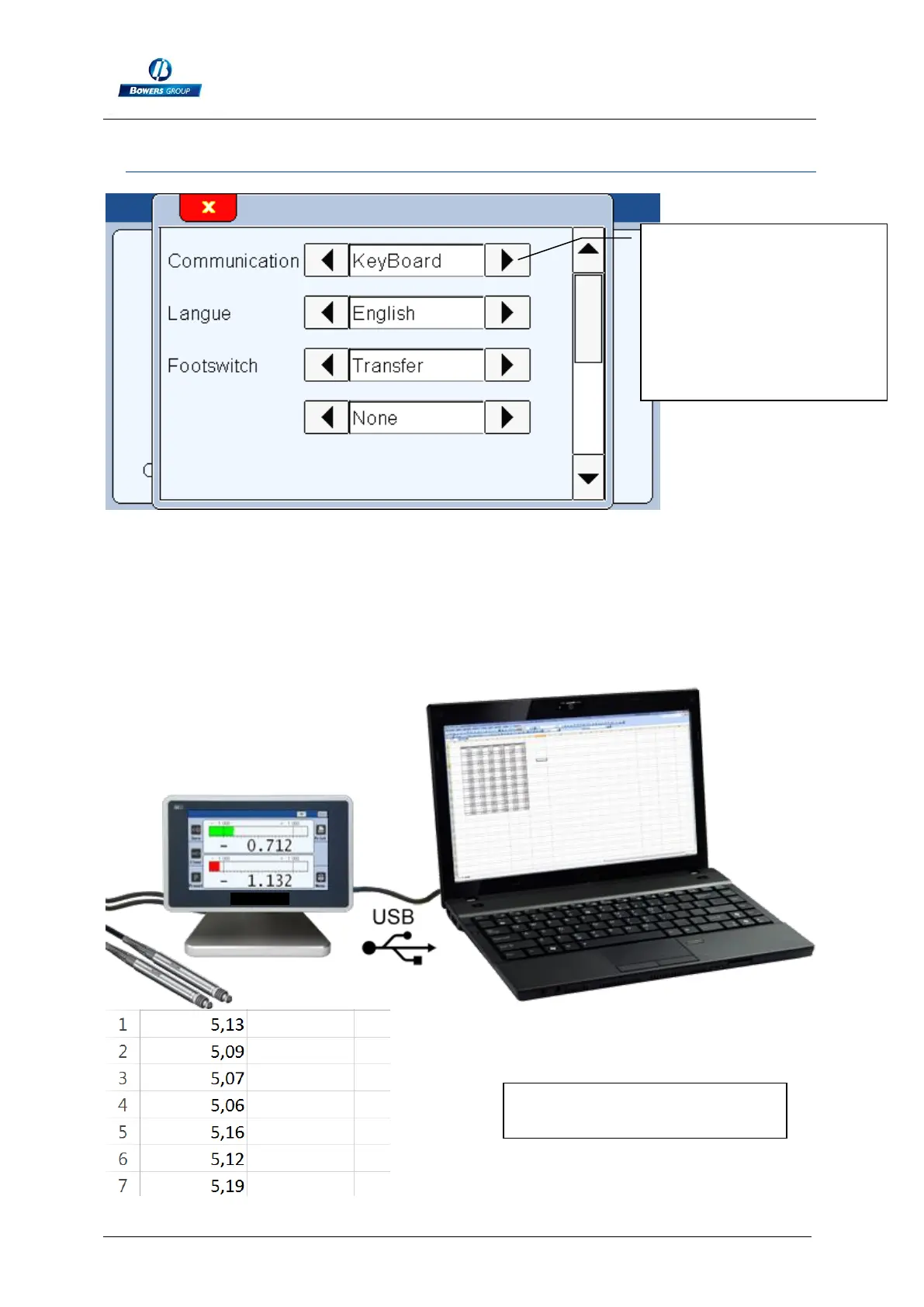
If you select the “Keyboard/USB” communication, the M3 will be detected has a
keyboard when connected to a computer, without installing a specific driver or
software.
Then when you transfer the measure (with screen, through IO or footswitch), the
displayed value will appear on your PC when your cursor is. (For example, on an
Excel cell), in the same way than you would have typed with your standard keyboard.
The communication with
an USB cable is made by
selecting « KeyBoard »
communuication type.
The M3 will communicate
with the computer as a
keyboard would do.
Example of a table completed
by the M3



 To Next Page