M1 – M3 Display Units
Page 70
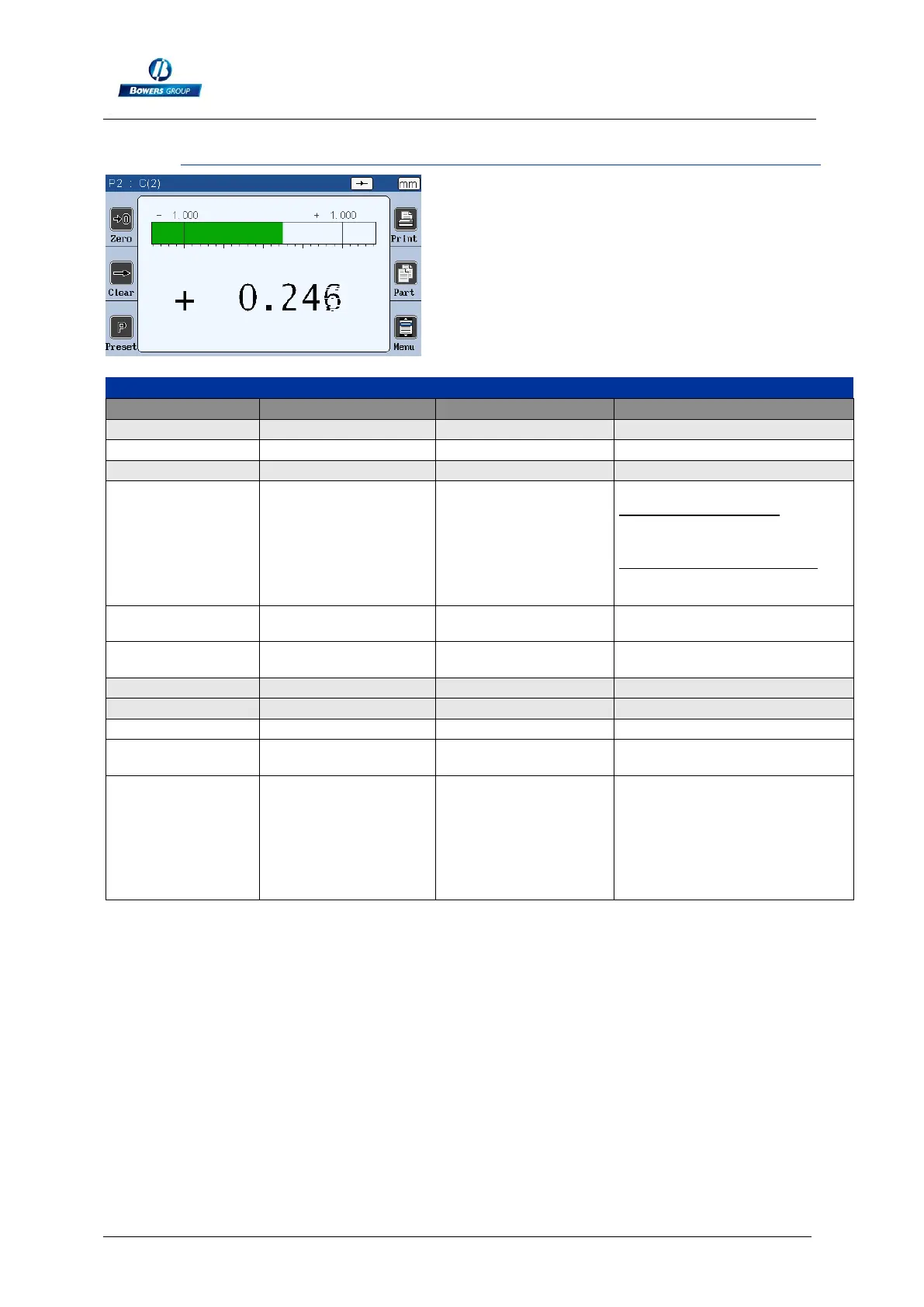
9.1.2.4. Measuring screen
Start dynamic measurement
Measurement transfer :
If 1 characteristic mode, transfer
the value with the
format :+000.00000<CR>
If double characteristic mode,
transfer the value with format :
+000.00000,+000.00000<CR>
Transfer the characteristic 1,
format = +000.00000<CR>
Transfer the characteristic 2,
format = +000.00000<CR>
Reset the unit (remove the
configuration, calibration etc)
Gives a
manufacturing order
number
The manufacturing order number
appears on the top bar of the
measuring screen, and then
when exporting on USB, the
export file will have the name
xxxxxxxxxxx.csv. Max 12
characters



 To Next Page