M1 – M3 Display Units
Page 90
14. FACTORY RESET
This function allows to come back to the factory setting.
Warning: At the end of this procedure, all the parameters of your M3 will be reset
(tolerances, masters, formulas…)
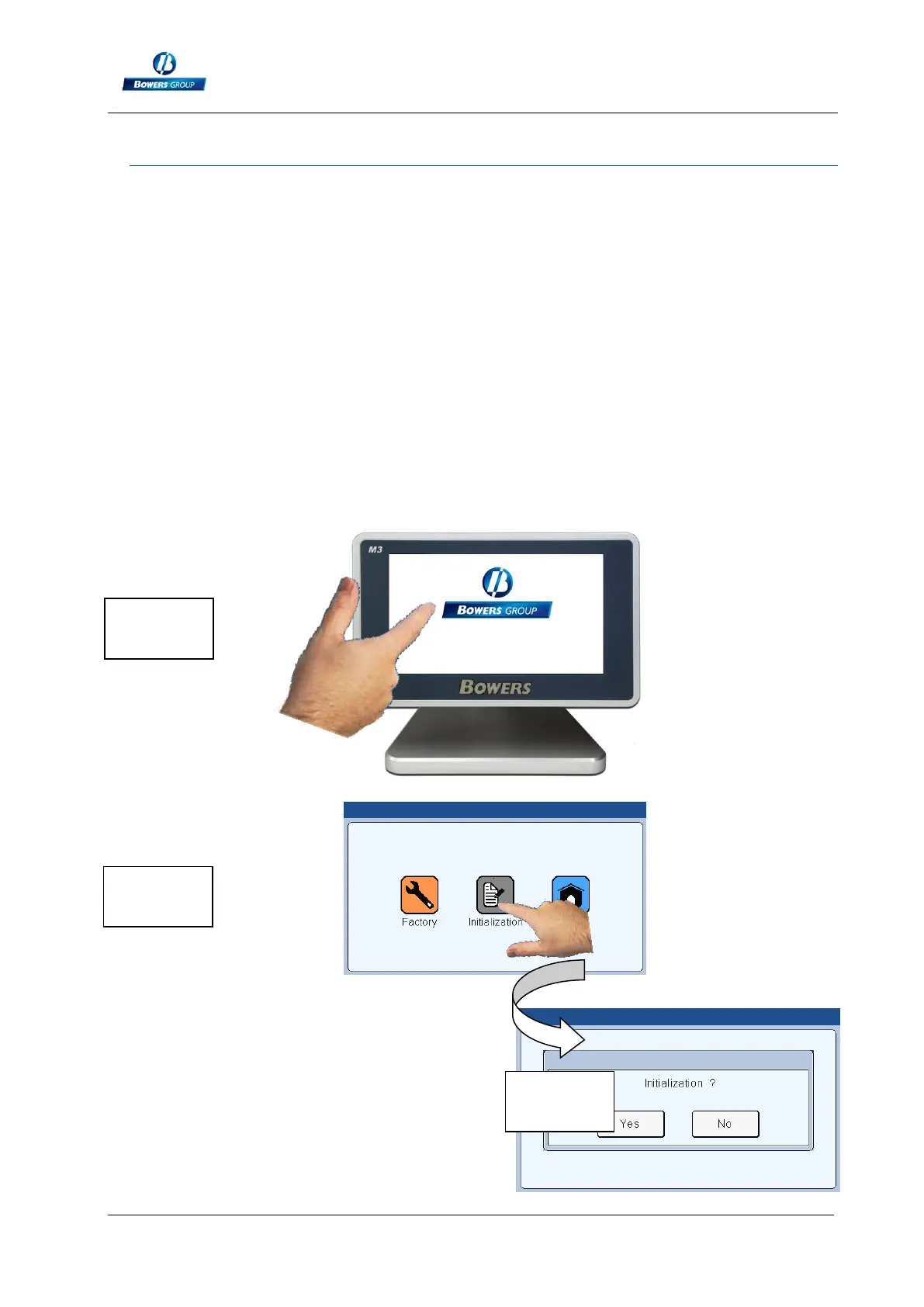
To Reset the M3 to its factory settings, please follow the process bellow.
1 – Shut down the M3
2 – Start the M3
3 – When the splash screen appears, press on the Bowers logo
4 – A desktop with 3 icons appear.
4a – Press on « initialization »
4b – Confirm YES or cancel NO
5 – Press Home to come back to the measuring screen



 To Next Page