M1 – M3 Display units
Page 91
15. FIRMWARE UPDATE
It is possible to update the M3 firmware
For this you need a RS232 cable ref 30-926-5608.
It is possible to use a RS232/USB convertor if your computer is not equipped with a
serial port.
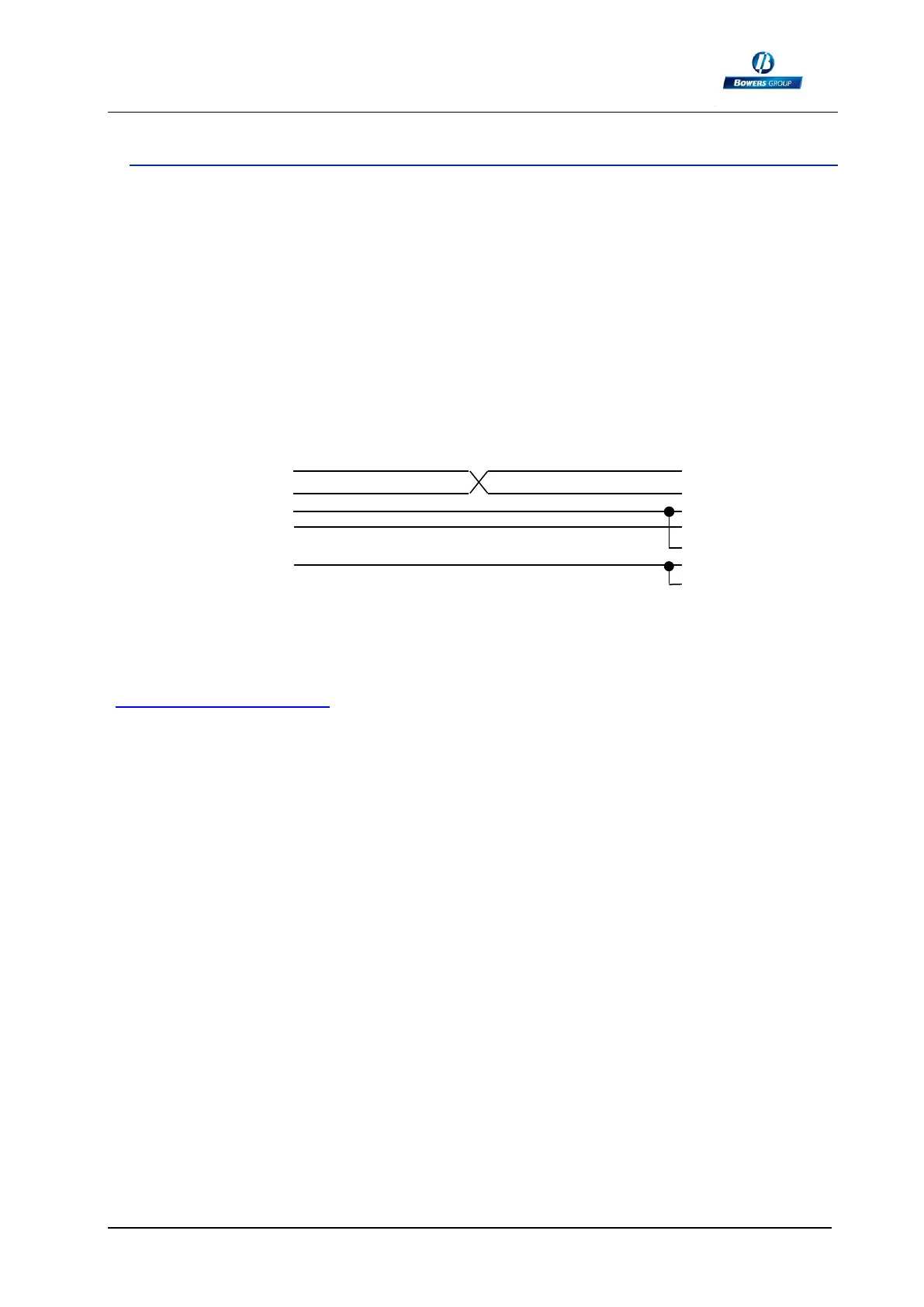
If you do not have a cable, you can make your own cable by following this schematic
The firmware update requires to use the « flash magic » software that can be download
(free) from this address:
www.flashmagictools.com
After installation, please configure the software on the following way:
We strongly recommend that any firmware updates are done by Bowers.
M3
Sub D9 male
1
Rx 2 Red
Tx 3 Blue
DTR 4 Green
GND 5 Yellow
6
RTS 7 White
8
9
PC
Sub D 9 female
1 CD
2 Rx
3 Tx
4 DTR
5 GND
6 DSR
7 RTS
8 CTS
9 RI



 To Next Page