M1 – M3 Display Units
Page 34
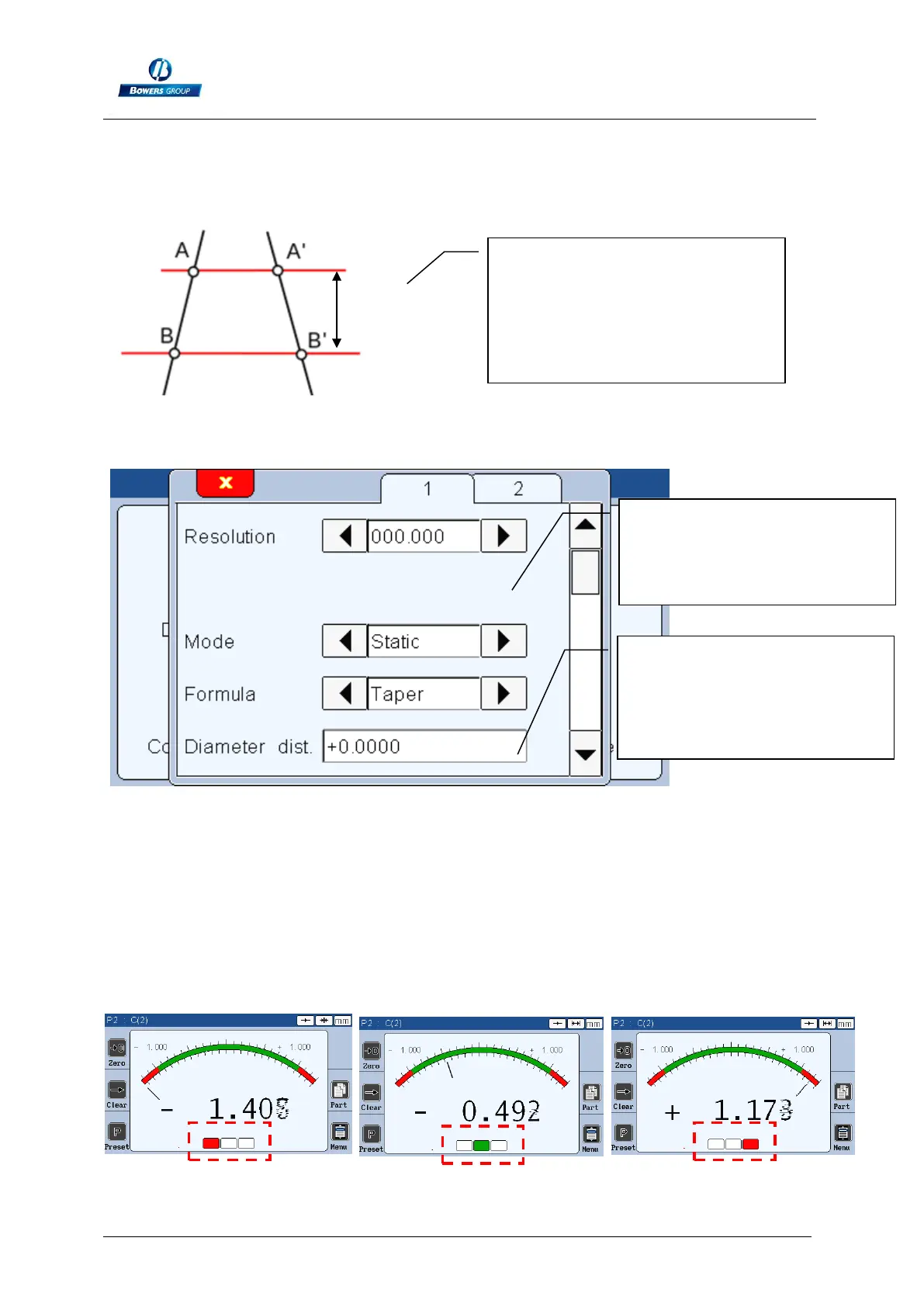
Formula : Taper
This mode is used to calculate an angle of a taper.
Direction
Direction: none
With this direction of measurement, any measure outside of the tolerance limits will
appears in red. All the good measure will be in green.
To measure the angle, you
require an air gauge with 2 level.
The distance between each
diameter has to be entered on
the parameters.
When the “taper mode” is
used, the choice of the unit of
measurement disappears, and
is fixed to “degree”
A new choice appears:
« diameter distance ». The
distance between the 2
diameters must be written
here.



 To Next Page