M1 – M3 Display units
Page 53
Then when you transfer the measure (with screen, IO or footswitch), the displayed
value will appear on your PC where your cursor is (for example on an Excel cell), in
the same way than you would have typed with your standard keyboard.
** If you select transferUSB Stick, a “output.csv” file will be created on the
connected USB stick, and each time you press the “Print” button of the measuring
screen, a line will be added on the file.
If you use a QR code reader to input a manufacturing order number, the
“OUTPUT.CSV” file takes the name becomes “manufacturingordernumber.csv”
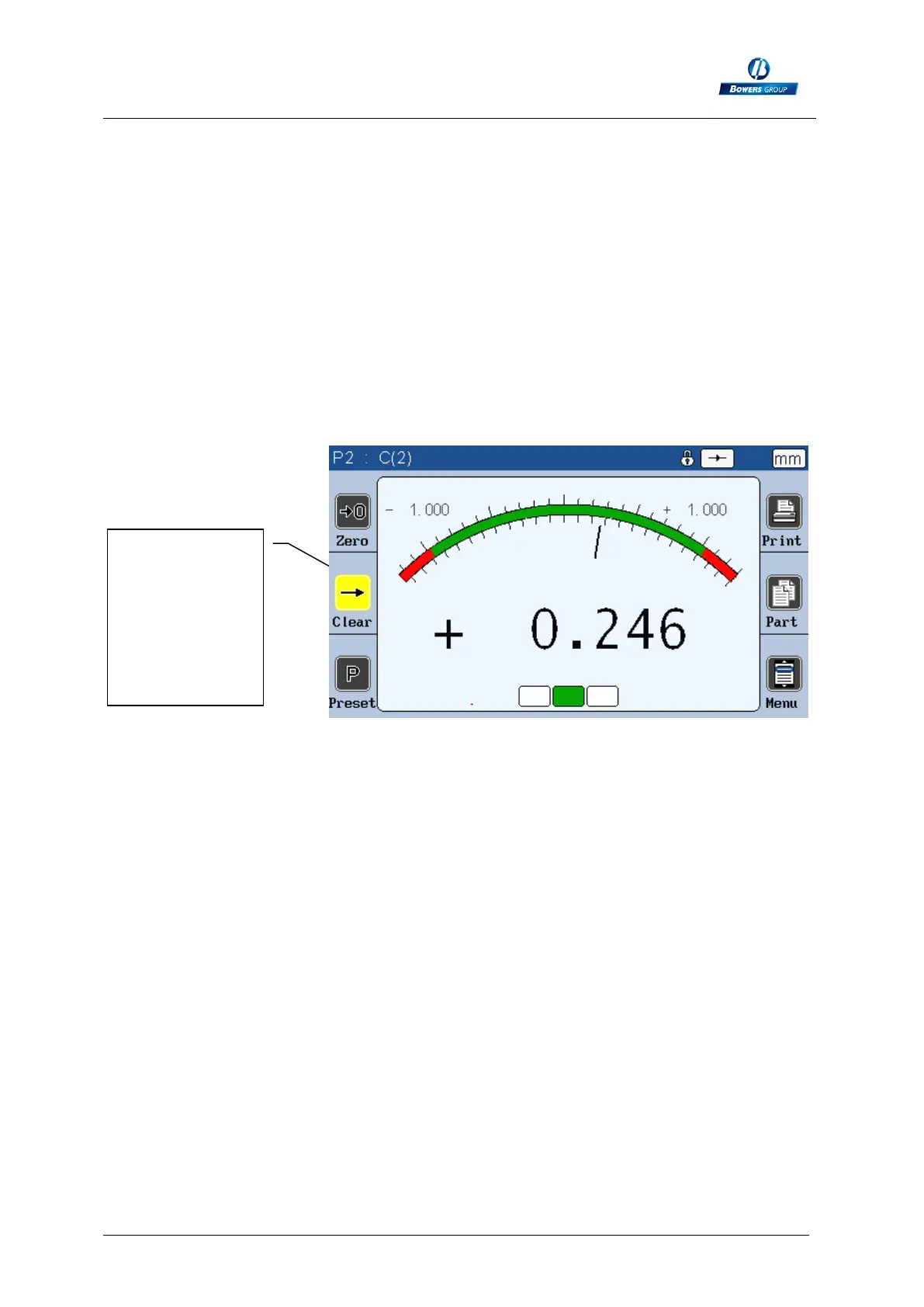
The “clear” icon is yellow while the hold function is activated:
« clear »
button, colored
in yellow
because of the
« hold »
function of the
pedal



 To Next Page