Setup for Printing from a PC
You may use your PC to create and print labels with your IDXPERT
TM
Handheld Labeler. First
download the printer driver provided on your product CD (or download the latest printer driver
firmware from Brady’s website). Then connect the communications cable provided with your printer
from the IDXPERT
TM
to your PC’s communication port.
On your IDXPERT
TM
Handheld Labeler, press POWER.
Step 1.
Press
ENTER to select the General ID display screen.
Step 2.
Step 3.
Press
MENU.
Press the
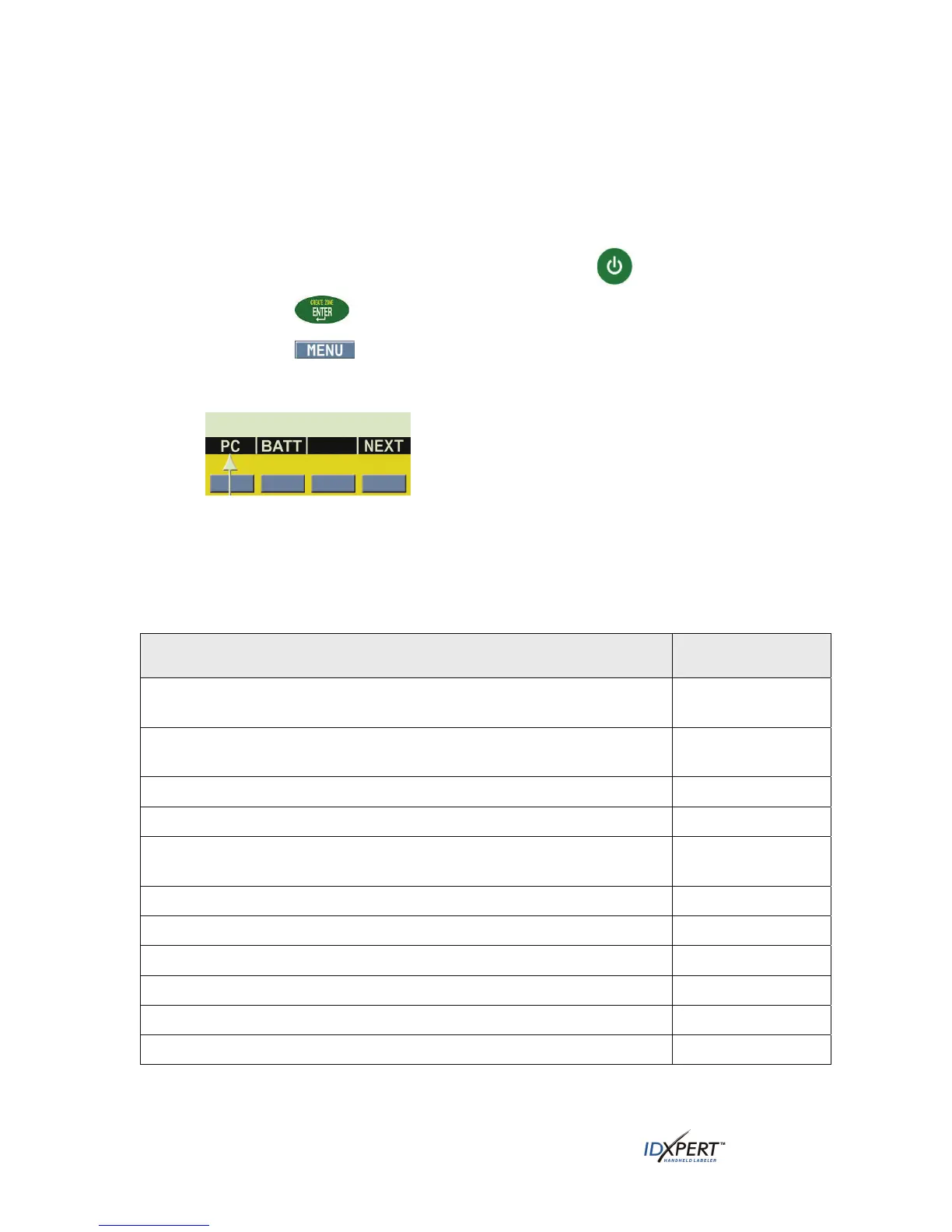
NEXT softkey three (3) times until you advance to the PC option.
Step 4.
Step 5. Press the softkey beneath
PC to enable PC connectivity. At this point your printer will be
able to receive data and send it to print.
General ID Menu Selections
Following is a list of the high-level General ID Menu selections and the corresponding softkeys:
To perform formatting using the General ID Menu, press MENU and the
corresponding softkey:
Softkey
Label Format—Select general or wiremarker labels. Wiremarker mode
repeats text line(s) as many times as will fit on a label.
FRMT
Continuous—Set either auto or fixed length, and separator type, for
terminal block and banner labels.
CONT
Justify—Set horizontal and vertical justification of label data.
JUST
Rotate—Set rotation of label data to 0, 90, 180, or 270 degrees.
ROT
Units—Change units—to inches, mms, or points—for displaying label and
font sizes.
UNIT
Barcode—Add Code 39 and 128 with human readable text.
BAR
Set Time—Set time to print a real-time stamp on your label.
TIME
Set Date—Set date to print a real-time date stamp on your label.
DATE
Language—Change the default language.
LANG
Battery—View graphical indicator of energy remaining in battery.
BATT
PC—Connect to PC using communications cable.
PC
See Appendix A—General ID Menu Tree on page 50 for a listing of submenus related to each
section.
10 User Manual



 To Next Page