Setting Language
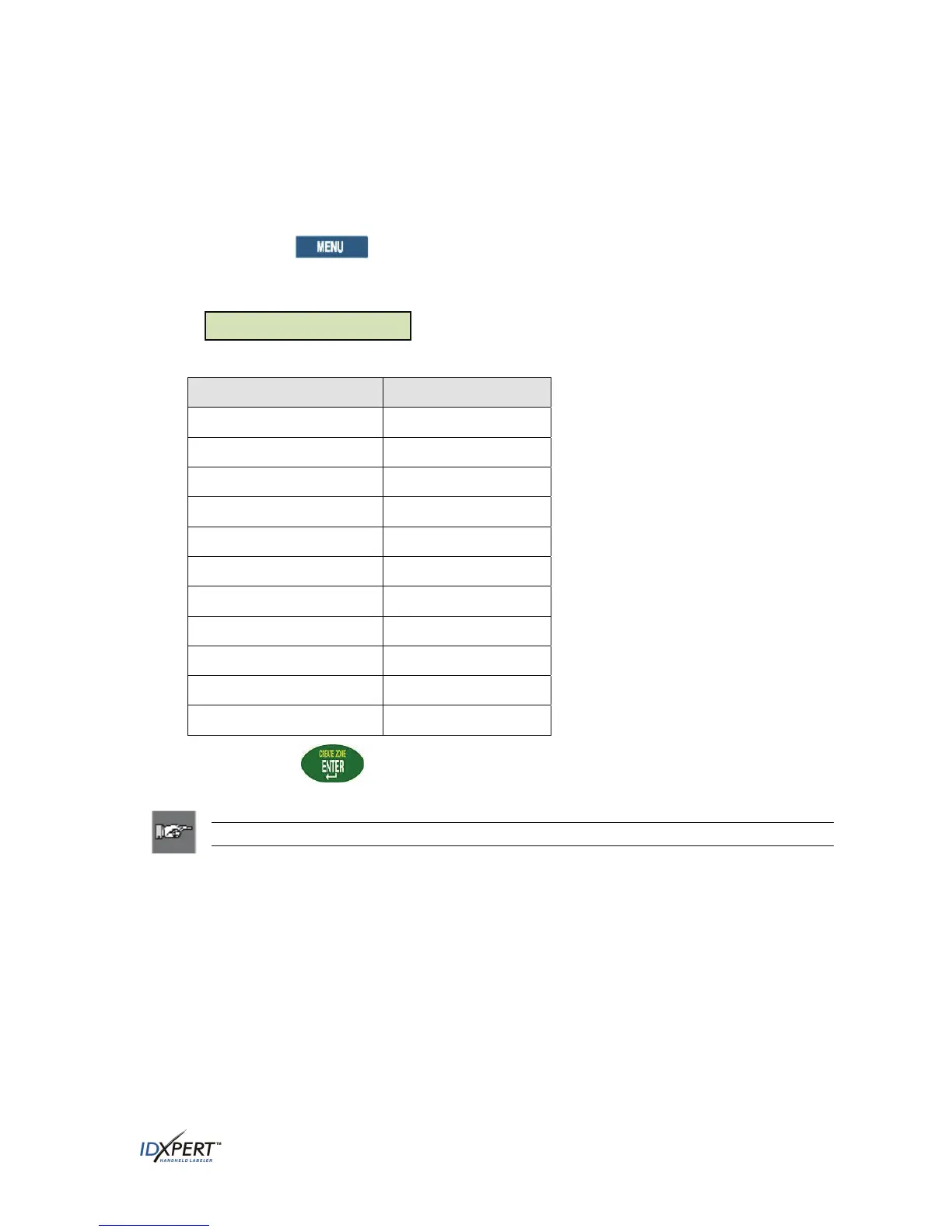
The printer allows you to view menu choices in 11 different languages.
To set the default language:
Press MENU. Step 1.
Step 2.
Step 3.
Press
NEXT twice, then press LANG. The display screen shows the current language setting.
Lan
ua
e: En
lish
Select your default language.
To select this language Press
ENG
English
French
FRE
German
GER
Dutch
DUT
Italian
ITAL
Portuguese (Brazilian)
PORT
Spanish
SPAN
Danish
DAN
Finnish
FIN
Norwegian
NOR
Swedish
SWE
Press ENTER. Step 4.
Note: All menu prompts and messages will be displayed in the language selected.
User Manual 37



 To Next Page