Chapter 7 General Settings
This chapter provides information on general settings. Settings for the IDXPERT
TM
Handheld Labeler
are set using the General ID Menu and corresponding softkeys.
Setting the Time/Date Stamp
The printer allows you to print a real time and/or date field on your labels. First you must set the time
and date on the printer.
To set the time:
Press MENU. Step 1.
Step 2.
Step 3.
Press
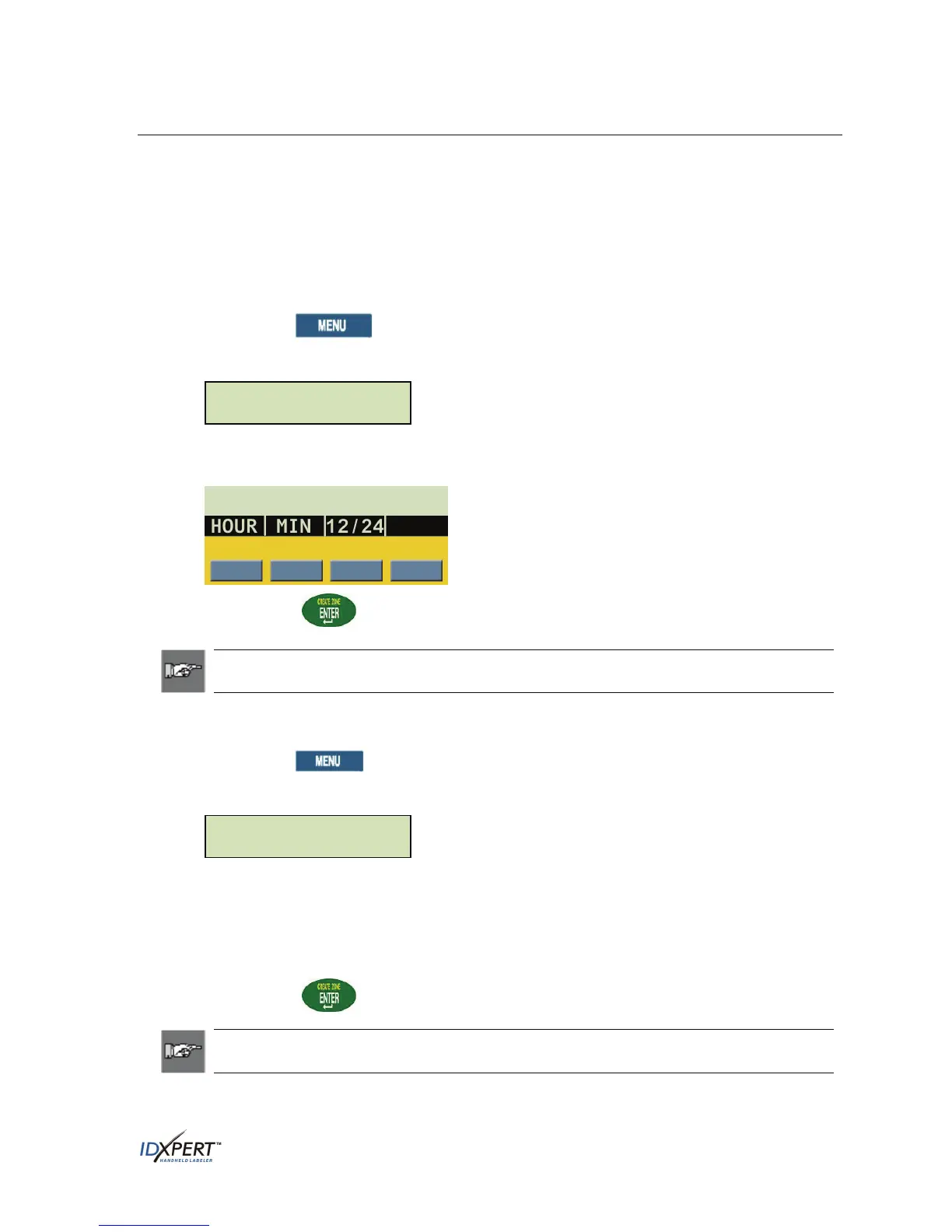
NEXT twice, then press TIME. The display screen shows the current time setting.
Time: 12:00 AM
Press
HOUR to cycle to the correct hour, and then MIN to cycle to the correct minute.
Press
12/24 to toggle between 12/24 time format and hour/minute time format.
Step 4. Press
ENTER.
Note: Pressing
FUNCTION + the fourth softkey while in the TIME menu toggles
lock/unlock access for changing the time manually.
To set the date:
Press
MENU.
Step 1.
Step 2.
Step 3.
Step 4.
Press
NEXT twice, then press DATE. The display screen shows the current date setting.
Date: 17 JAN 07
Press the following softkeys to cycle to the correct month, day, or year:
DAY—cycles to the correct day.
MON—cycles to the correct month.
YEAR—cycles to the correct year.
Press
ENTER.
Note: Pressing
FUNCTION + the fourth softkey while in the DATE menu toggles
lock/unlock access for changing the time manually.
User Manual 35



 To Next Page