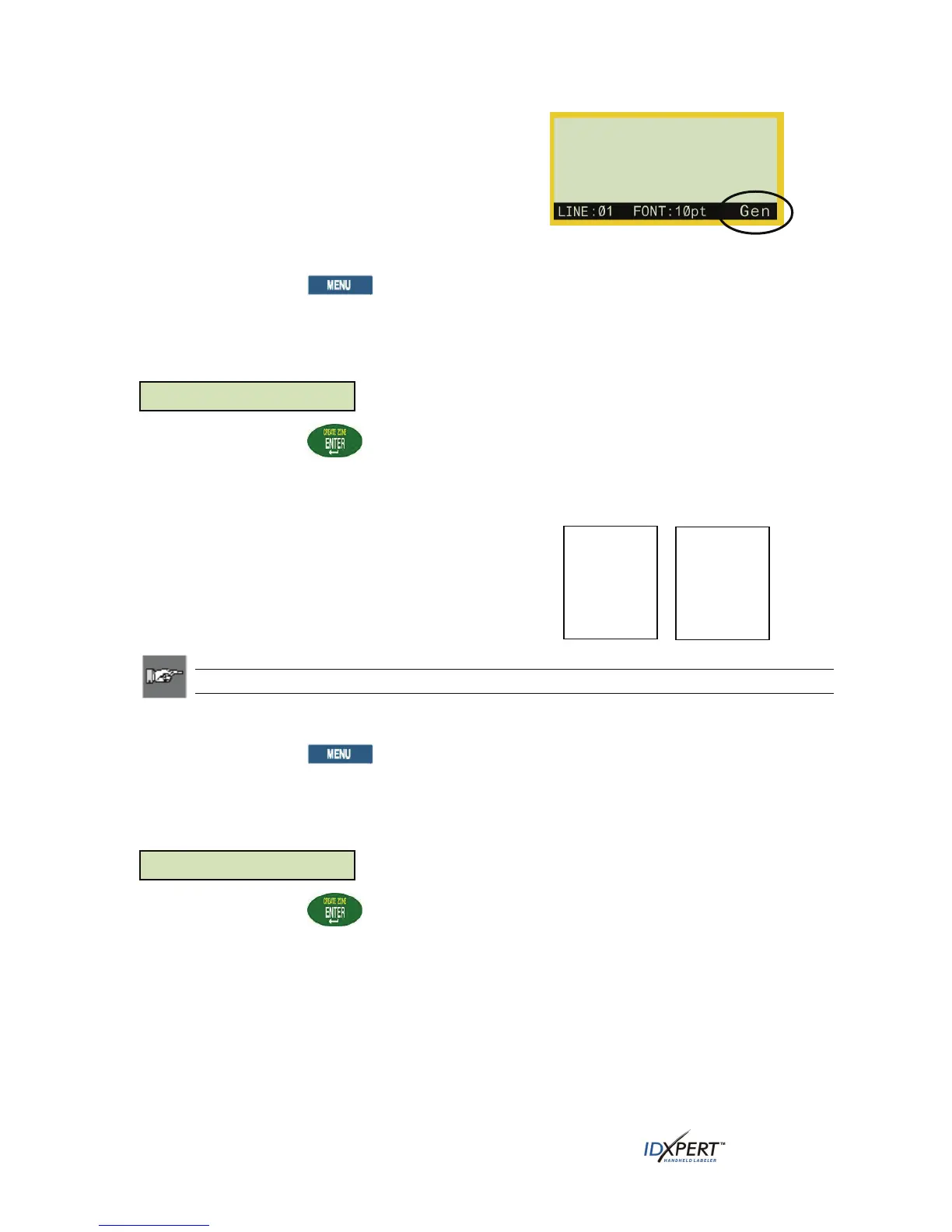
While in the General ID Menu, the IDXPERT
TM
defaults
to the General setting for most cartridges except those
containing self-laminating label material. In most cases,
you will only need to set label format to General if you
have been working in wiremarker mode. The current
format—Gen or Wire—is displayed on the status bar.
To work with General (non-wiremarker) labels:
Step 1. Press
MENU.
Press the softkey beneath
FRMT.
Step 2.
Step 3.
Step 4.
Press the softkey beneath
GEN. The format style is shown on the display screen.
Press
ENTER.
Formatting Using Wiremarker Label Settings
When you create a wiremarker label, each line of text is
repeated as many times as will fit on the label.
Wiremarkers allow for full 360
o
rotational viewing of the
printed information making this label type useful for
marking wires, cables, vials, tubes, or any cylinder.
Note: The alignment default for wiremarker text is CENTERED.
To work with Wiremarker labels:
Step 1. Press
MENU.
Press the softkey beneath
FRMT.
Step 2.
Step 3.
Step 4.
Press the softkey beneath
WIRE. The format style is shown on the display screen.
Format: General
123
123
123
123
ABC
123
Format: Wire
Press
ENTER.
For wiremarker labels, the text line(s) is repeated as many times as will fill the printable area.
This is automatically calculated by the smart-cell.
20 User Manual



 To Next Page