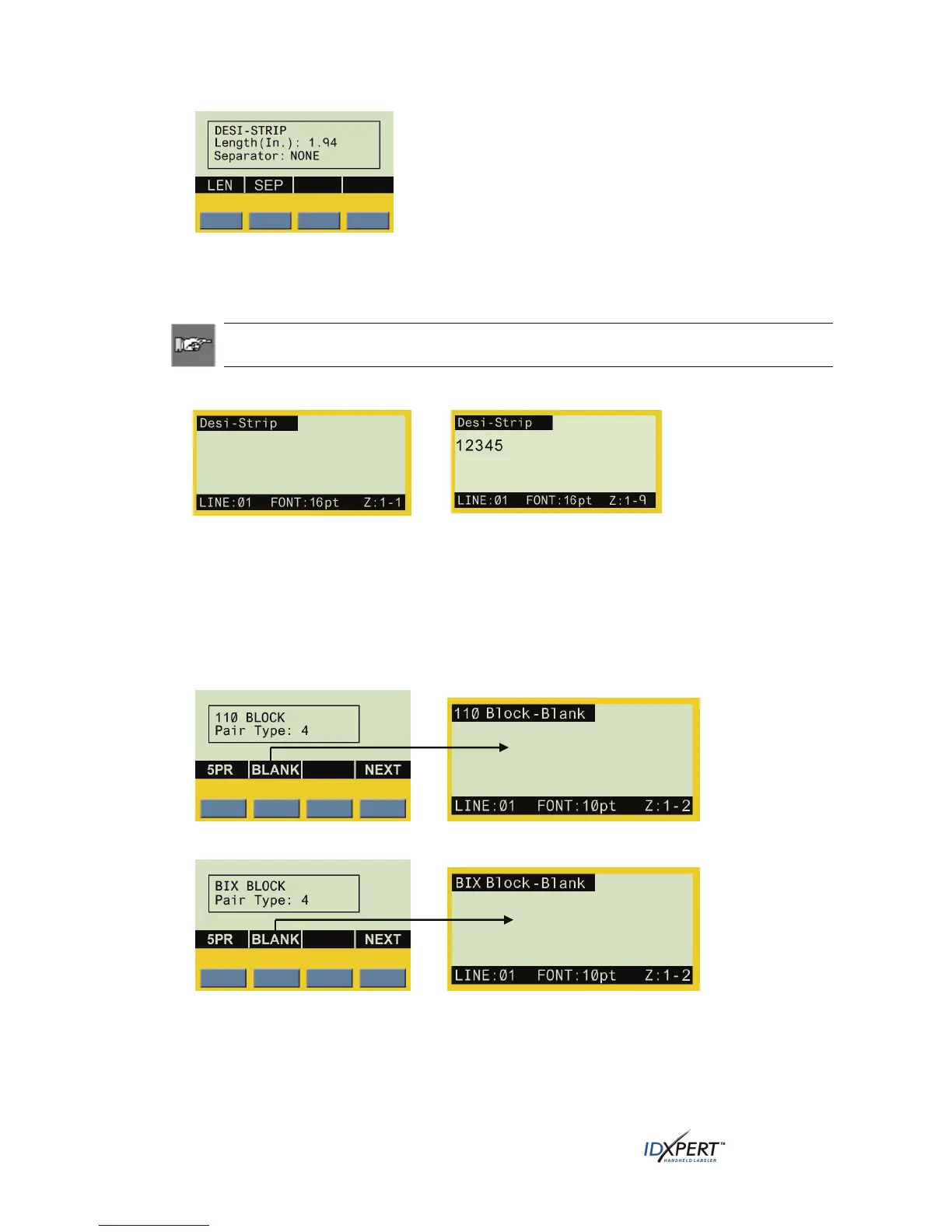
*See Setting Units on page 36 for instruction
on setting units to inches or millimeters.
Step 3. To set or accept the length, do one of the following:
• Press the
ENTER key to accept the default, or
• Press the
LEN softkey, enter a new length, and press ENTER.
Note: From this point, similar functionality is used as when working with Patch Panels.
See Patch Panel Labels on page 23 for more information.
Desi-Strip display screen examples:
Display screen before text/zones
entered
Display screen showing nine-zone label
with the first of nine zones displayed
Blank Pair Type
If you select BLANK instead of a 2PR, 3PR, 4PR, or 5PR configuration (using 110-Block or BIX-
Block labels), you will move to the DataComm & T-Block menu, allowing you to enter characters
into each empty (blank) zone. The zone availability is pre-defined as two zones covering the printable
length of the strip.
30 User Manual



 To Next Page