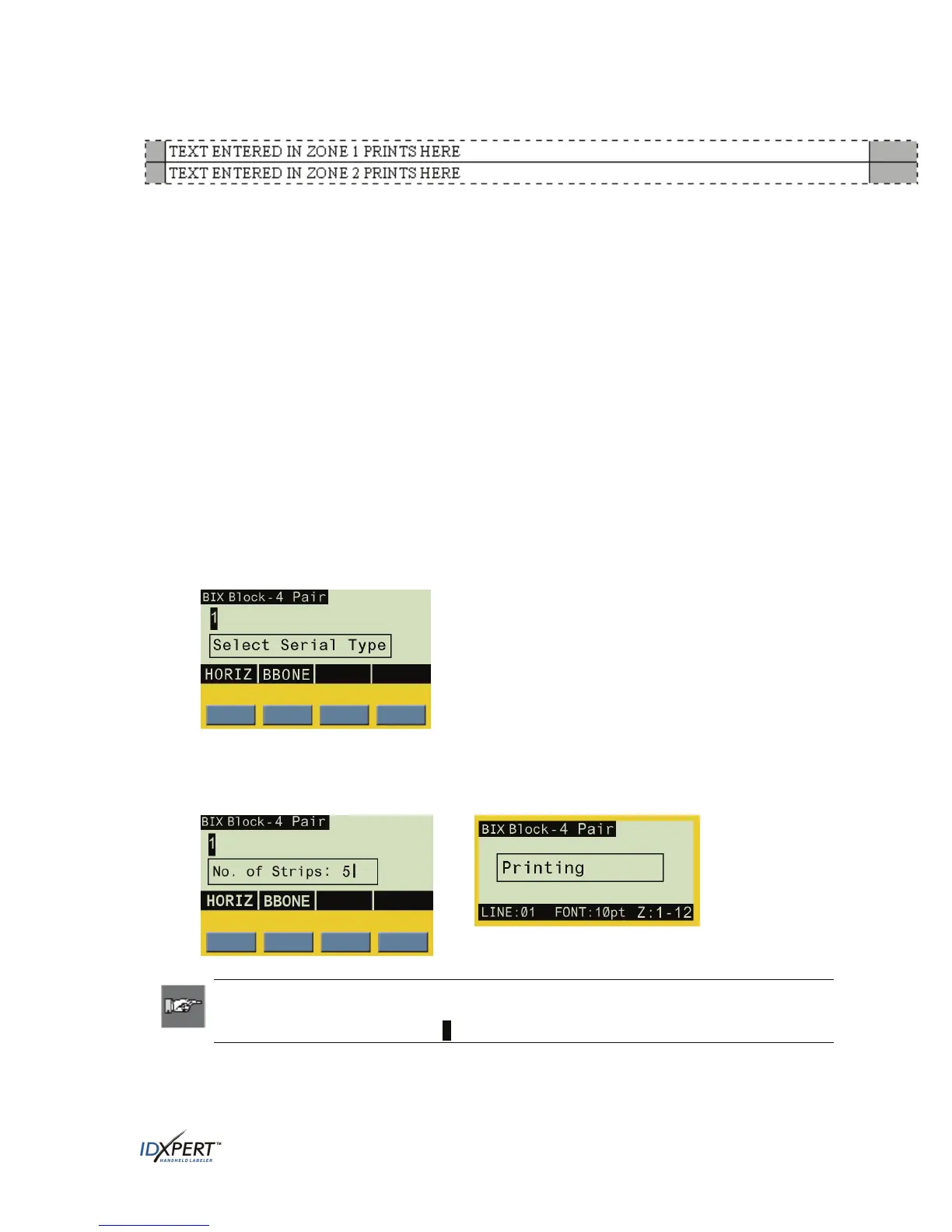
Blank Pair Type Example
• The “Blank” strip will be formatted as two zones covering the full printable length of the strip
(7.5" with a total strip length of 7.9" for 110-Block labels; 6.2" with a total strip length of 6.6"
for BIX-Block labels).
• One line of text is allowed on each zone. Pressing
FUNCTION + NEXT ZONE while the cursor is
on the first line (to be printed in the top zone) will move the cursor to Line 2 (which will be
printed in the bottom zone).
• Horizontal Justification default = Left; Vertical Justification default = Center.
• You may enter up to a maximum of 75 characters per zone.
Horizontal Serialization
After creating 110-Block or BIX-Block labels, you can perform horizontal serialization of the labels
by doing the following:
Step 1.
Step 2.
Step 3.
Enter the alpha and/or numeric characters to be serialized.
Use the arrows on the keypad [◄] [►]
(right/left) to position the cursor under the character
to be serialized.
Press
SERIAL on the keypad. Horizontal (HORIZ) and Backbone (BBONE) softkey options
appear:
Step 4.
Step 5.
Press the
HORIZ softkey.
Enter the desired number of strips (1–9 value only) and press
ENTER.
(The default number is “1”— the example below shows “5” entered.) Printing begins.
Note: After printing a series of serial characters, the display screen shows the next
logical character in the serial pattern. (Example: After printing 1 to 5 and print job is
completed, display screen shows 6 .)
User Manual 31



 To Next Page