15
Adding Ingredients
k Ensure the tap and drain plug
are both firmly in place.
k Follow the directions included
in your BrewPrint and any 'Brew
Notes' on the BrewPrint web page.
k Fill BeerDroid with 10 litres of
cool water, unless otherwise
directed by the BrewPrint.
k Sprinkle yeast over the
top of the water
k Add all Elements and Enhancers
(DO NOT add Hops or Primer)
Note
Do not stir the ingredients.
Note
Use potable water free
of chlorine odour.
k Immediately fit the lid again
to the lock position.
k To prevent spoilage, do not open
the lid once the program has begun.
WARNING
Do not move the BrewArt
BeerDroid during operation
or stir the contents once the
program has commenced.
Also ensure the unit is not
bumped or affected by
vibration during operation.
Controlling
BeerDroid with
theBrewArtApp
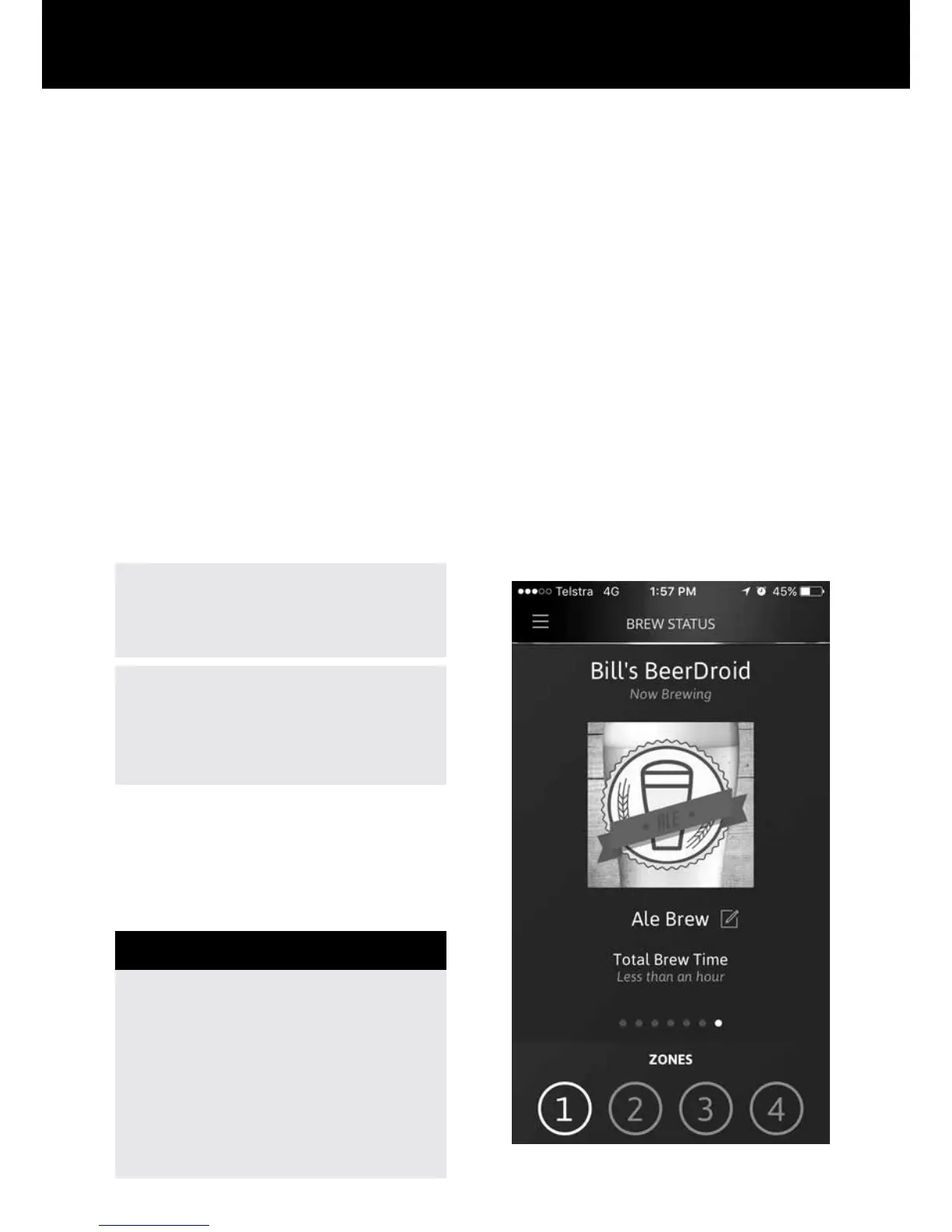
k You can use the BrewArt App to
monitor and control your BeerDroid
provided that you have connected
your BeerDroid to Wi-Fi and linked
it to your BrewArt Account.
k To start a brew using the
BrewArt App, go to Brew Status
and "SELECT A BREW", or to
Shelf to start a BrewPrint.


 To Next Page