2-13
PRODUCT DOOR
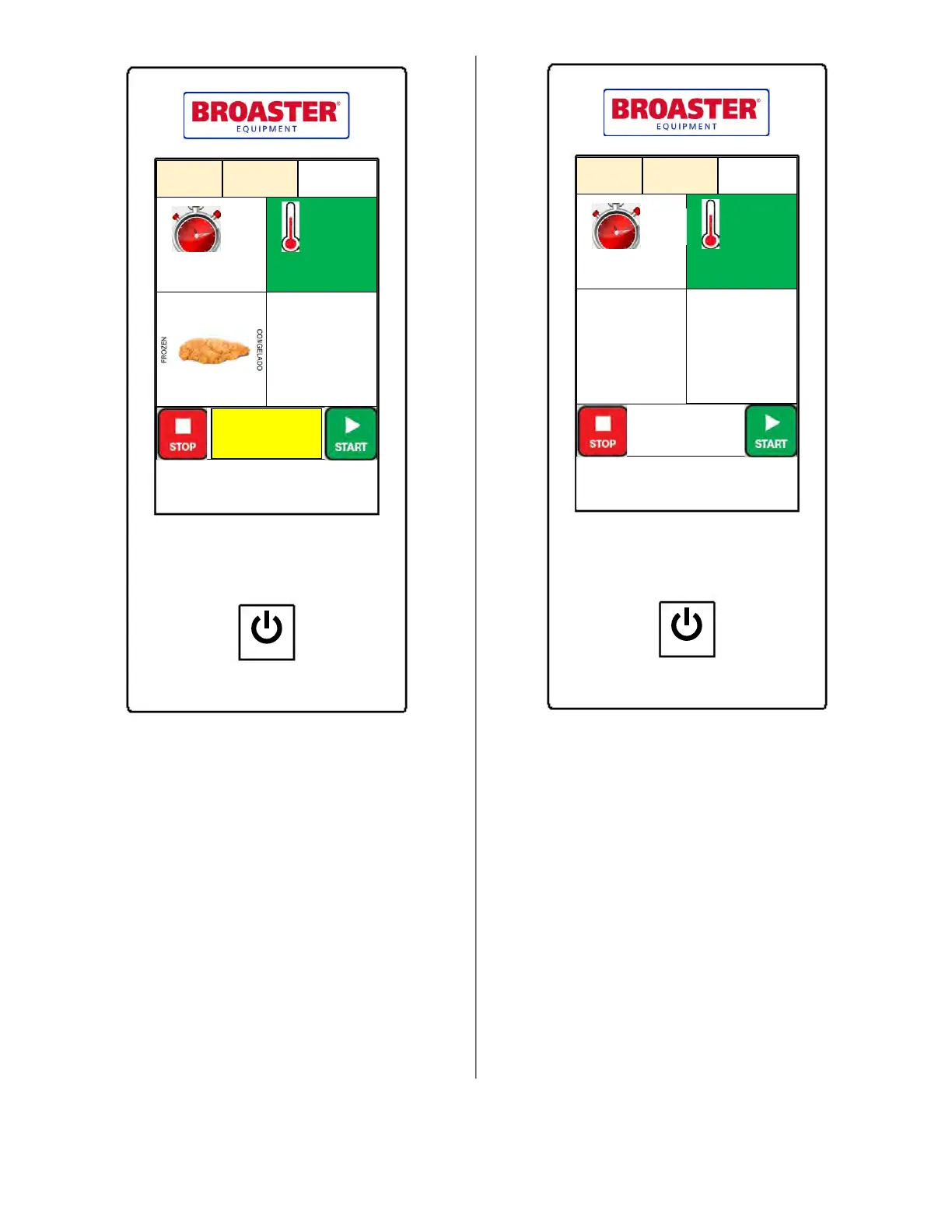
If the product door is opened, a notice will be
displayed on the screen as appears above. Open-
ing the product door prevents one from starting
or stopping a cook cycle and will prevent the
basket from raising after the time has reached
00:00. Closing the door will then allow the bas-
ket to raise.
Cook Setup
05:00 360°F
25 Cook Cycles
Set
Temp
SELECT
PRESET
Chicken
Tenders
POWER
Product
Door Open
PARTS AND SERVICE SUPPLIED BY AUTHORIZED BROASTER DISTRIBUTORS
BROASTER COMPANY ● BELOIT, WI USA
MANUAL TIME/TEMP SETTING
If the Manual Time/Temp is enabled in Setup, a
custom recipe can be created by double-tapping
the time or temperature settings on the cooking
screen. A keypad will be displayed where the
desired value may be entered. The display will
indicate SELECT PRESET. If the Manual Time/
Temp is disabled, then only preset recipes may
be used.
AUTO COMPENSATION
The auto compensation feature allows consistent
product temperatures for varying size loads of
product. The timer compensates by stretching
out the time proportional to how far the oil is
from the set point temperature. Double-tap the
time setting and select Comp ON or Comp OFF
as desired.
Cook Setup
04:30 360°F
25 Cook Cycles
Set
Temp
SELECT
PRESET
SELECT
PRESET
POWER
PARTS AND SERVICE SUPPLIED BY AUTHORIZED BROASTER DISTRIBUTORS
BROASTER COMPANY ● BELOIT, WI USA
Comp
Off
broaster.com Manual #16501 8/06 Rev 10/20



 To Next Page