Operation
Front Panel Buttons Operation
Symbol Description
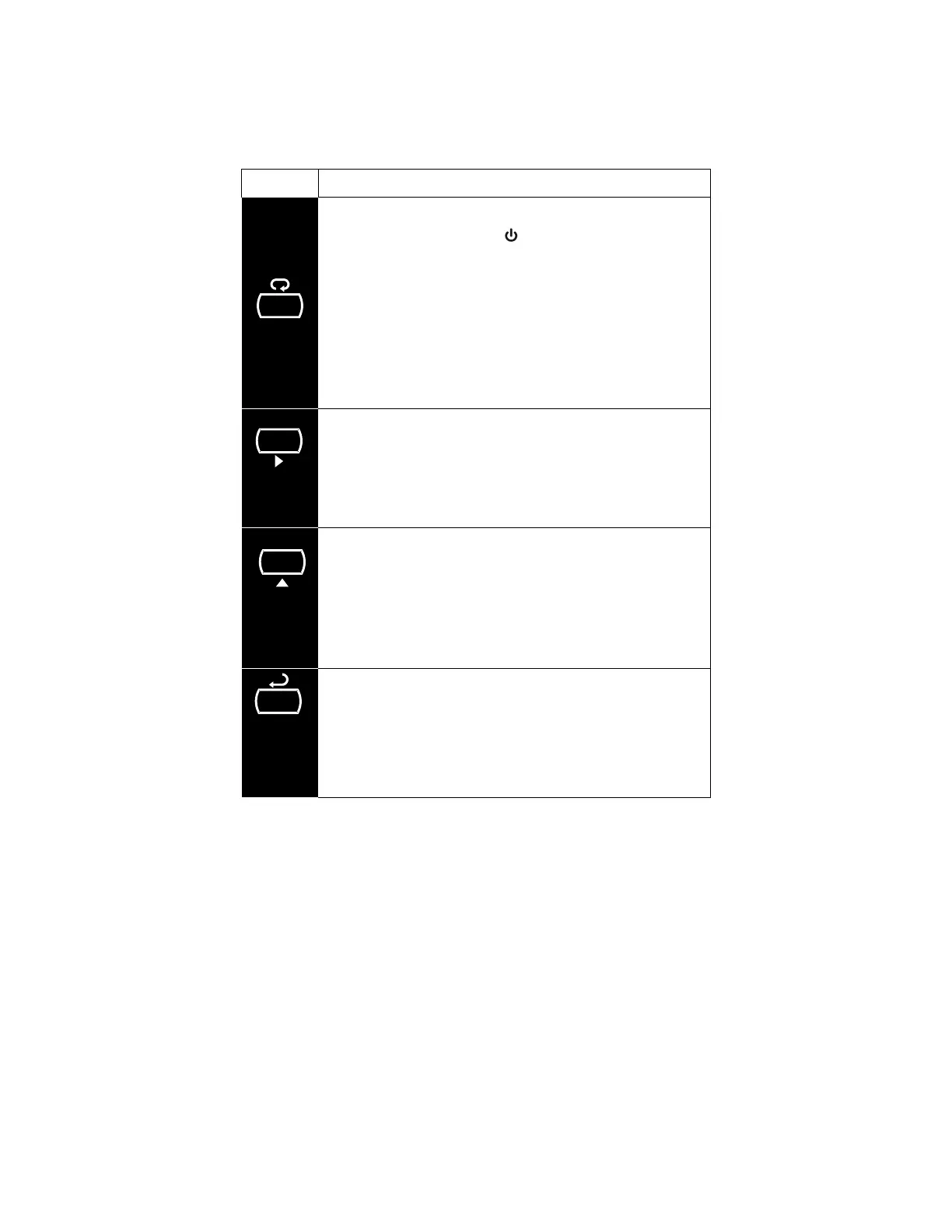
MEN
Hold the Menu Through-Glass button when in power save
mode (display will show
) to awaken Through-Glass
buttons.
Press the Menu button to enter Programming Mode.
Press the Menu button during Programming Mode to return
to return to the previous menu selections.
Hold the Menu button for 1.5 seconds at any time to exit
Programming Mode and return to Run mode.
Press and hold the Menu button for 3 seconds to access the
Advanced features of the meter.
Press the Right arrow button to move to the next digit or
decimal position during programming.
Press Right to go backward through most selection menus.
Press Reset to reset the total, or values displayed in the
bottom display (grand total, max, or min). Press Enter after
Reset to confirm the reset.
Press Display when in Run mode to display the grand total,
again to display the maximum, and again to display the
minimum reading since last reset. These displays will time
out in 12 seconds, or press Display until total is displayed in
the lower display. Press Enter to lock this display, and
disable the 12 second time out.
Press the Up arrow button to scroll forward through the
menus, decimal point, or to increment the value of a digit.
Press the Enter button to access a menu or to accept a
setting.
Press Enter to lock the grand total, maximum, or minimum
value on the lower display, and disable the 12 second time
out.
Press Enter while the grand total, max, or min reading is
locked on the lower display to return to run mode.
Press Enter to acknowledge alarm (if enabled).
ENTER
DISPLAY
RESET



 To Next Page