8-3 Confidential
8.2 ENTRY INTO THE MAINTENANCE MODE
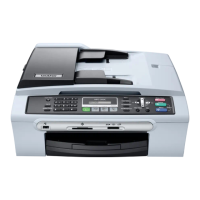
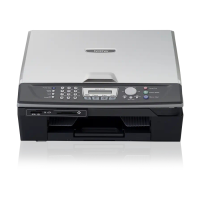
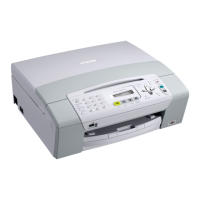
MFC620CN/425CN/420CN/410CN/215C/210C and FAX2440C
Press the Menu/Set and Black Start keys. Next press the
key four times to make the machine
enter the maintenance mode.
TIP: FAX models equipped with numerical keypads can enter the maintenance mode in the same
way as conventional models; that is, by pressing the Menu/Set, *, 2, 8, 6 and 4 keys in this
sequence.
DCP315CN/310CN/120C/117C/115C/110C
Press the Menu and Mono Start keys. Next press the
key four times to make the machine enter
the maintenance mode.
The machine beeps for approx. one second and displays "
" on the LCD,
indicating that it is placed in the initial stage of the maintenance mode, a mode in which the
machine is ready to accept entry from the keys.
To select one of the maintenance-mode functions listed in Section 8.3, enter the corresponding 2-
digit function code with the numerical keys on the control panel. (The details of each maintenance-
mode function are described in Section 8.5.)
NOTES: • MFC620CN/425CN/420CN/410CN/215C/210C and FAX2440C
To exit from the maintenance mode and switch to standby, press the 9 key twice in the
initial stage of the maintenance mode.
DCP315CN/310CN/120C/117C/115C/110C
To exit from the maintenance mode and switch to standby, enter 9 twice by using the
and Set keys in the initial stage of the maintenance mode.*
(*To enter a numerical code on models having no numerical keypad, press the key several
times to display the numerical code to be entered and then press the Set key. Repeat this
operation for each numerical code.)
• Pressing the Stop/Exit key after entering only one digit restores the machine to the
initial stage of the maintenance mode.
• If an invalid function code is entered, the machine resumes the initial stage of the
maintenance mode.



 To Next Page