9
Publicaon 5423-020-REV 1.0 • www.btxonline.com
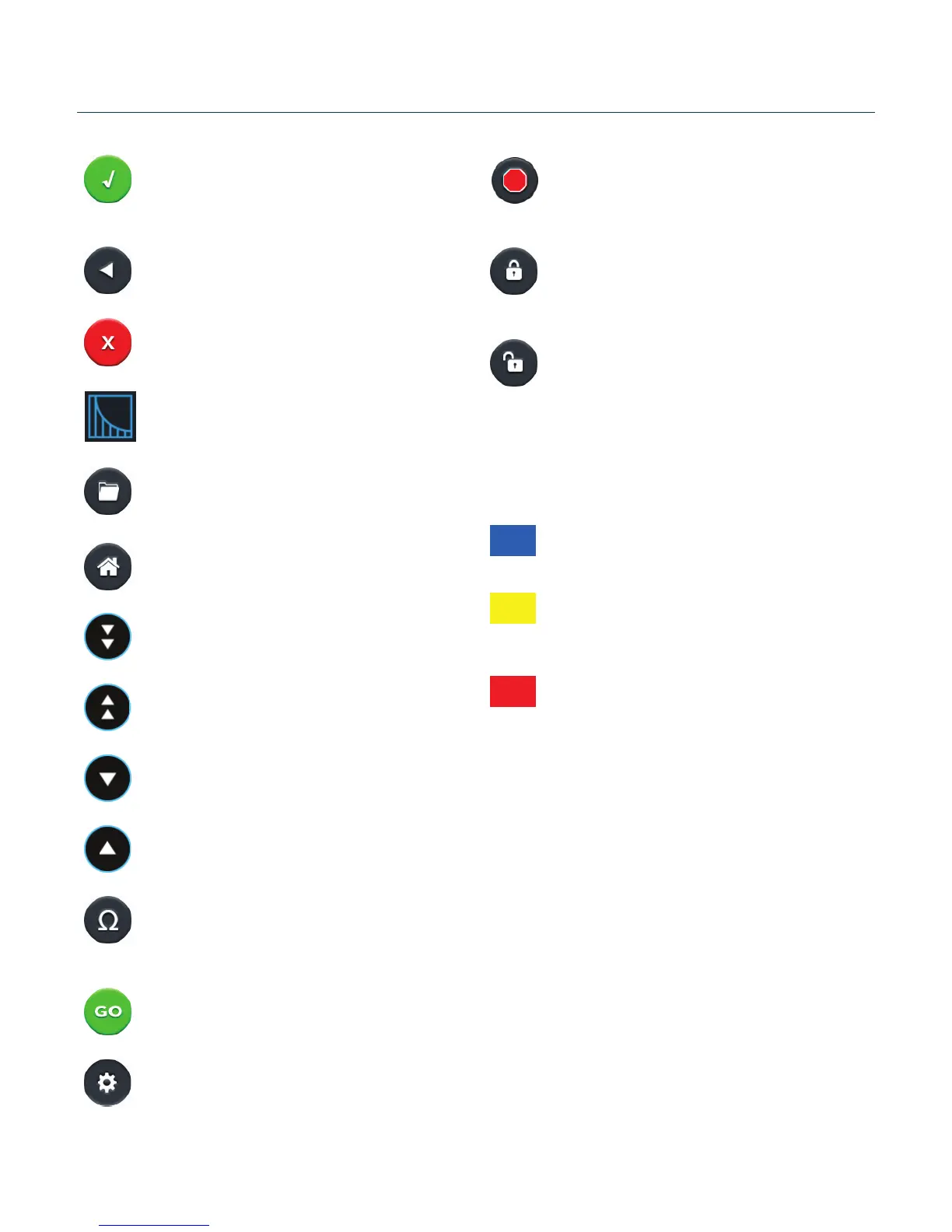
Touchscreen Icons Reference
Accept
Used to accept the parameters/sengs on a screen and
advance to the next screen in the menu, also used in
place of a double tap on various icons.
Back
Used to go back one screen.
Cancel
Used to cancel any changes/entries on a screen and
return to the previous screen in the menu.
Exponenal Decay Wave Indicator
Used to indicate when a protocol ulizes exponenal
decay wave pulses.
File Opons
Access the File Opon menu that is used to save,
rename and delete protocols.
Home/Main Menu
Access Preset Protocols, User Protocols and Sengs.
Page Down
Used to page down in a display list.
Page Up
Used to page up in a display list.
Scroll Down
Used to scroll down in a display list.
Scroll Up
Used to scroll up in a display list.
Pre-Pulse Resistance Measurement
Also referred to as Omega Icon. Used to measure the
resistance of the sample prior to delivering the DC
pulse.
Run Protocol
Used to deliver the pulse protocol to the sample.
Sengs
Also referred to as Gear icon. Access the sengs menu
used to adjust the following parameters: Date and Time,
Audible Alarms, Backlighng, and soware updates.
Displays device informaon.
Stop Protocol
Used during the pulse delivery sequence to stop the
progress of the protocol.
Protocol Locked
Indicates that changes to the protocol are currently
locked. Press the icon and enter password to unlock the
protocol.
Protocol Unlocked
Indicates that changes to the protocol are currently
unlocked. Pressing the icon twice will allow the user to
password protect the protocol.
Nocaon Box Quick Reference
Informaon / Status Message
Provides informaon or guidance for next steps,
including acceptable ranges for protocol programming.
Warning Message
Requires Nocaon Box tap for acknowledgement
of informaon, but does not prevent operaon of the
system.
Failure Message
Caused by user input error, failure of a protocol, or a
system error. Requires user to correct this issue in order
to complete the operaon.


 To Next Page