INSTALLING THE DEVICE
14
I
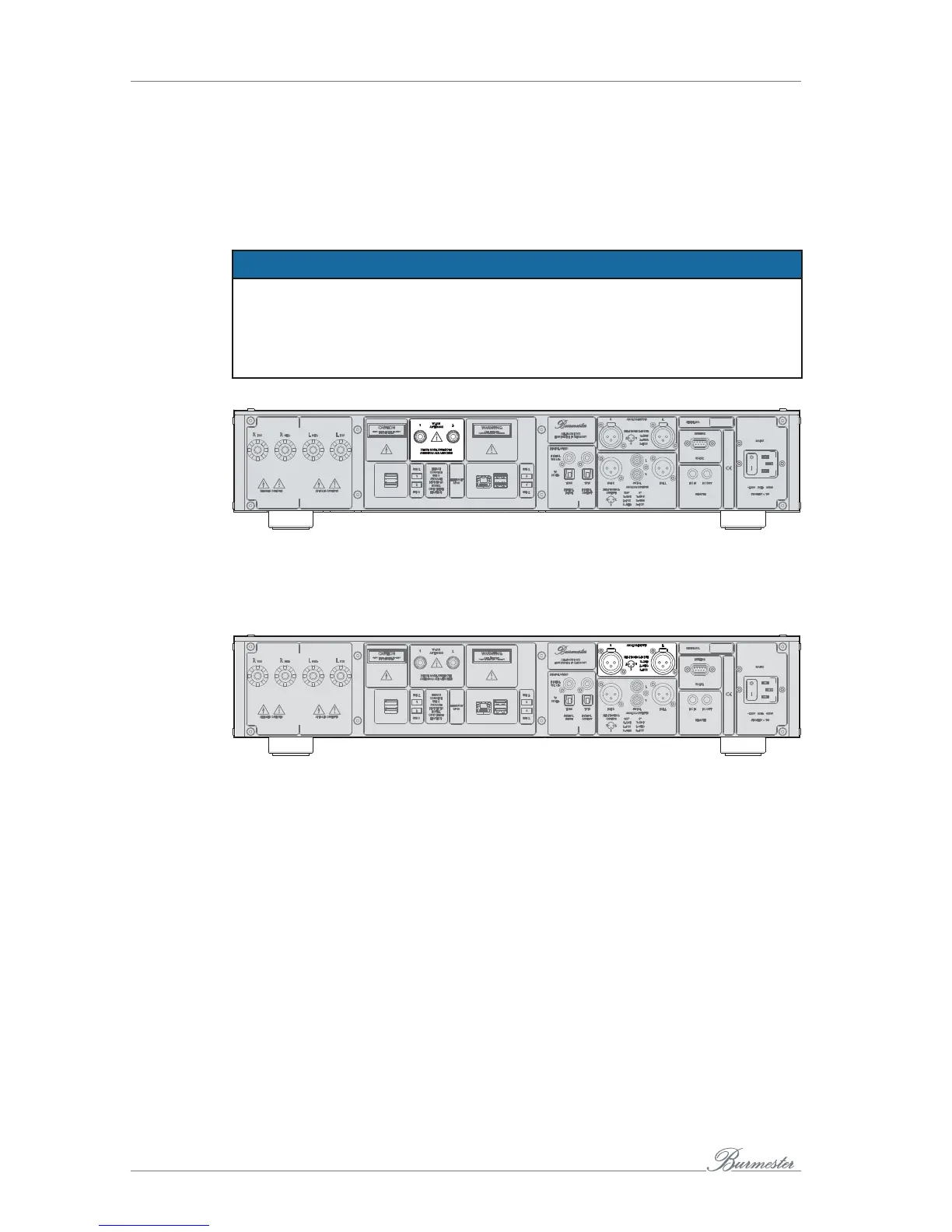
Connecting the Wi-Fi antennas
The Wi-Fi antennas are required to connect a computer (iPad®, tablet, Mac, PC) to the
device via Wi-Fi.
ATTENTION
Damage due to missing or incorrect connection
Not connecting the antennas could damage the Wi-Fi unit. Tightening the antennas
too tightly could damage the connections.
►
Always mount both antennas, even if you don’t use Wi-Fi.
►
Only tighten the screw base finger-tight. Do not use a tool.
►
Mount the two supplied antennas on the antenna sockets on the rear panel.
Connecting analog sources
►
Use the terminal to connect an analog signal sources with balanced interconnect
cables.
►
Unbalanced cables can be used at the same terminal in connection with the
supplied XLR-RCA adapters.



 To Next Page