ABOUT THESE OPERATING INSTRUCTIONS
6
A T O I
These operating instructions describe the set-up, connection, and operation of your
161 (Software-Version 3.00).
To use all the functions of the 161 you will need either an Apple iPad® with the free
BurmesterMC App installed or any computer (PC, Tablet, Mac) with a Web browser
(iPad® or computer are not included). How to use the App or a Web browser to control
the device will be explained in separate manuals.
Please note the following:
►
Read and follow the information given, in particular the safety information and
warnings.
►
Save these operating instructions.
Used symbols and characters
3
Requirement
Designates a requirement which must be fulfilled before a subsequent action
can be taken.
►
Action step
Designates an individual action step.
1.
2.
3.
Sequence of actions
Designates a sequence of action steps which have to be performed in the given
order.
ª Result
Designates the outcome of an action.
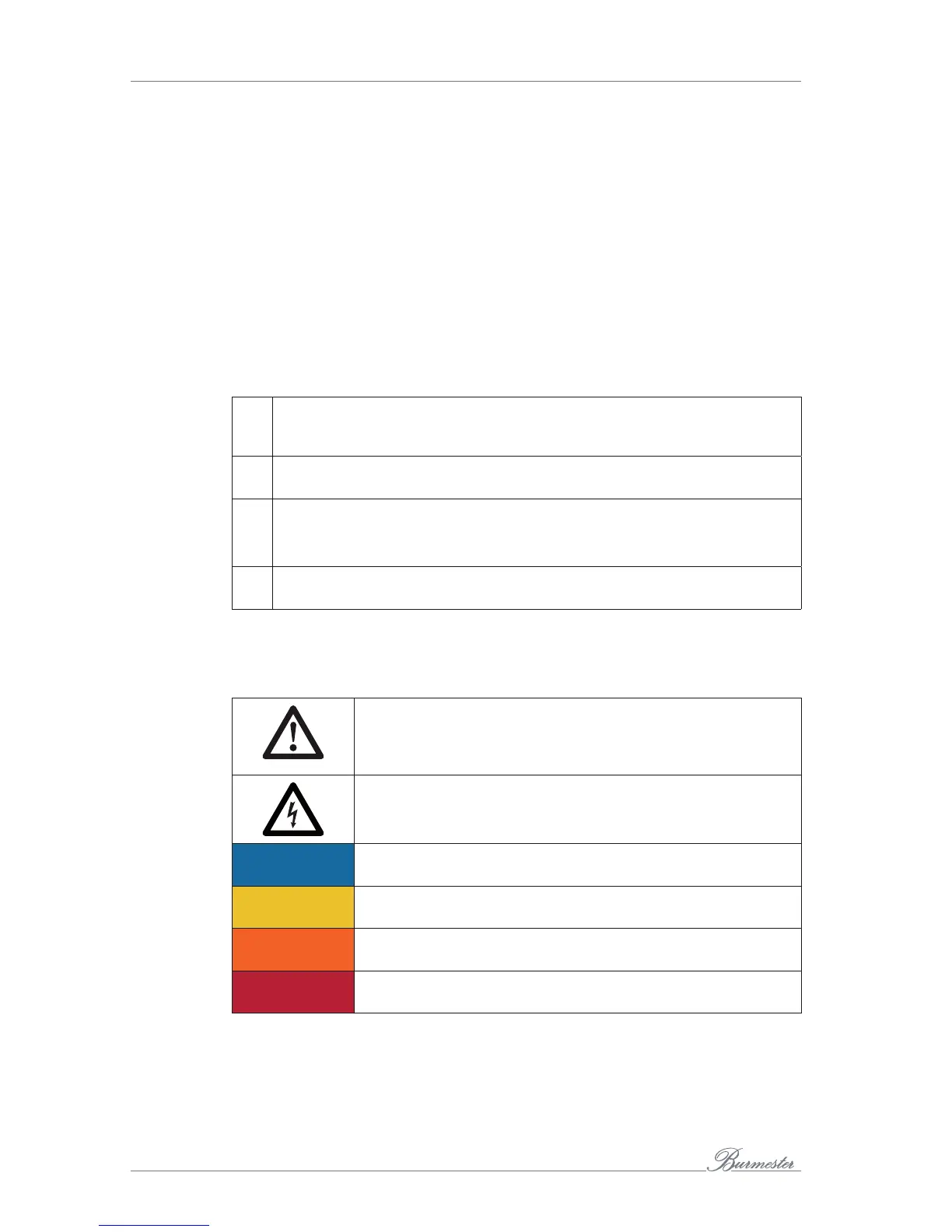
Meaning of warning symbols and words
This document uses the following warning symbols and words:
The general danger symbol, in conjunction with the warning words
CAUTION, WARNING, and DANGER, serves to warn against the risk
of severe injuries. Follow all subsequent instructions to avoid injury
or death.
The lightning symbol, in conjunction with the warning word
DANGER, serves to warn against a lethal electrical voltage.
ATTENTION
The warning word ATTENTION indicates a danger that can lead to
damage to or destruction of the device.
CAUTION
The warning word CAUTION indicates a danger that poses a low or
medium risk of injury.
WARNING
The warning word WARNING indicates a danger that can lead to
death or severe injuries.
DANGER
The warning word DANGER indicates a danger which can directly
lead to death or severe injury.



 To Next Page