15
Connecting digital sources
►
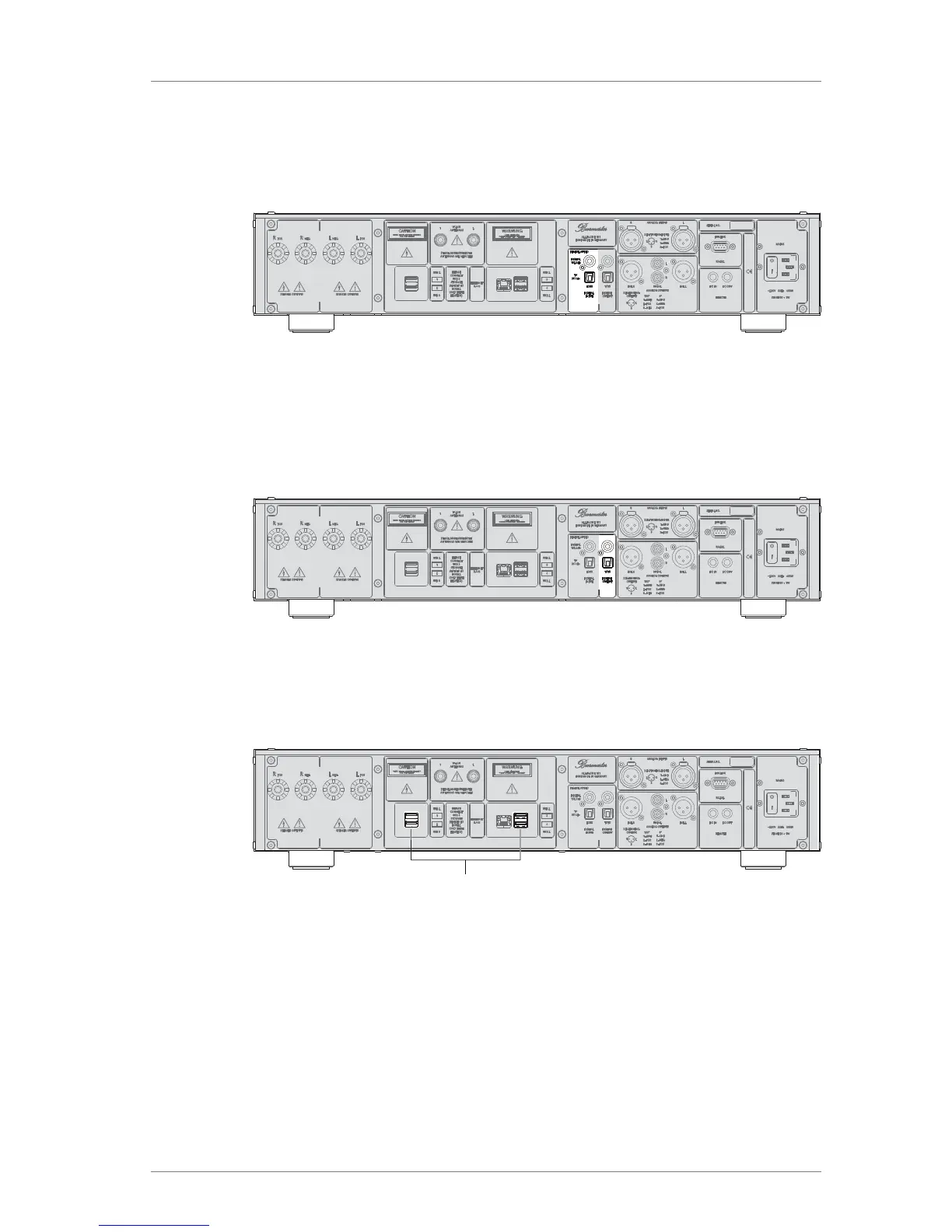
Connect coaxial digital signal sources, for example a CD player, with the RCA
terminals DIGITAL.
►
Connect optical digital signal sources, for example a digital tuner, with the TOSLINK
terminal TV.
Connecting the digital output
These terminals supply the output signal in digital form.
►
Use either coaxial or optical cables for connections.
Connecting USB storage devices
1
The 161 features five USB slots: four on the back (1) and one on the front panel
(see "The Device at a Glance" on page9).
All USB slots are identical and can be used to connect USB storage devices or for
software updates via a USB stick.
Note: USB hard disks with a high power demand should be connected to the USB 3
connector. This connector is marked on the back panel and is easily recognizable by
the fact that it is blue instead of black.



 To Next Page