29
H C D
To be able to play back content stored in the 161, you must first create a playlist from
the saved titles. You can create a playlist using the BurmesterApp or via the web based
user interface (web GUI).
Note: Please consult the separate documents “Instructions for Operation via the iPad App”
and “Instructions for Operation via a Web Browser” for further information.
Starting a playlist:
1. Press the STORED MUSIC button on the device.
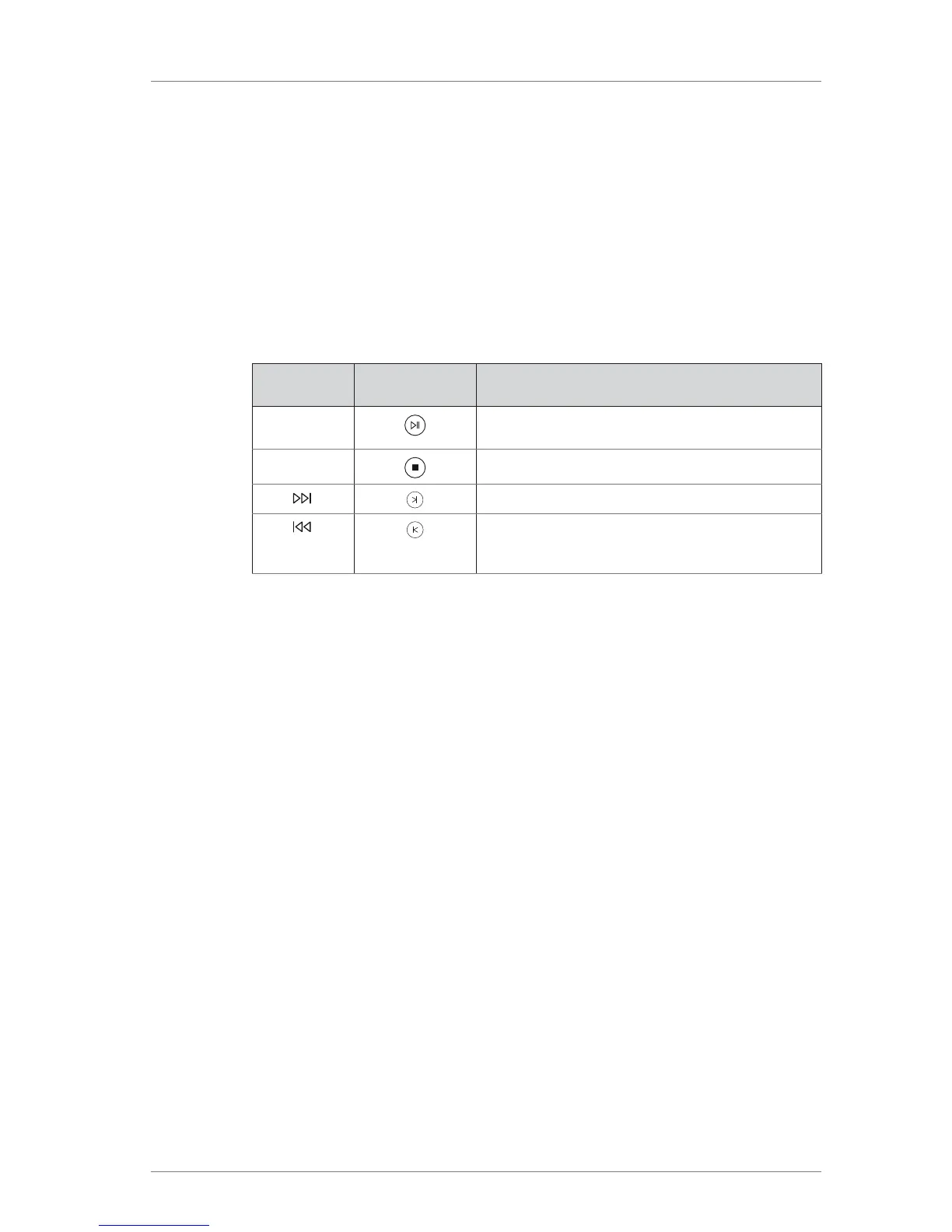
2. Use the right bank of buttons on the front panel or the corresponding buttons on
the remote control to control playback.
On the device
On the remote
control
Function
PLAY/PAUSE Starts or pauses playback at the current position.
STOP/EJECT Stops playback.
SKIP
Playback skips to the next title.
SKIP When pressed during playback, skips to the
beginning of the track playing and if pressed twice,
to the previous track.



 To Next Page