INSTALLING THE DEVICE
18
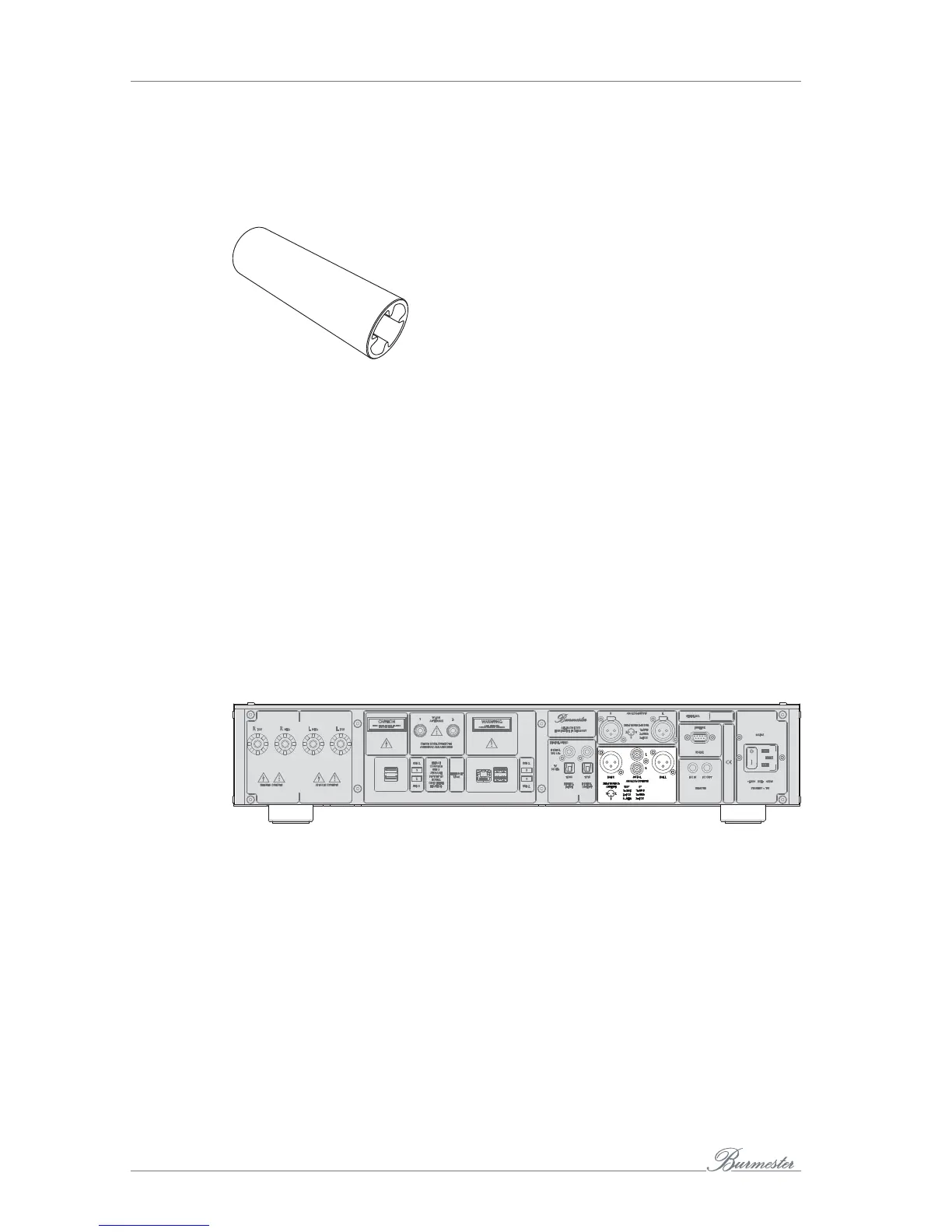
Note: The scope of delivery includes a special tool, which allows you to loosen and tighten
the loudspeaker clamps on the device.
special tool
►
The device has been switched off.
►
Put the special tool on top of a speaker terminal of the 161. Loosen the binding post
by turning the tool counter clockwise.
►
Attach a speaker cable to the right loudspeaker and connect the other end to the
terminals R POS and R NEG. Correct polarity is very important. The positive terminal
on the 161 has been color-coded red, the negative terminal black.
►
Attach the other speaker cable to the left speaker and connect it to the terminals
marked L POS and L NEG. Pay close attention to correct polarity. The positive
terminal on the 161 has been color-coded red, the negative terminal black.
►
Put the special tool on top of the speaker terminals of the Phase 3. Tighten the
connection by turning the tool clock-wise.
Connecting a power amplifier
►
For best sound quality connect the BAL output terminals with the inputs of your
power amp using balanced interconnect cables.
►
Use output terminals UNBAL and an unbalanced interconnect if your amp offers
unbalanced RCA inputs only.



 To Next Page