21
H N
A network connection is required for internet access as well as for networking the 161
with other devices. This offers the following additional functions:
• Calling up album information from the Internet during ripping.
• Choose between a multitude Internet radio stations.
• Stream musical content from providers such as TIDAL (subject to a fee).
• Downloading music from providers such as HIGHRESAUDIO (subject to a fee).
• Receiving messages, for example on software updates.
• Performing a software update via the Internet.
Detailed information on how to perform these functions can be found in the separate
manuals „User Guide for Operation via the iPad® App“ and „User Guide for Operation
via a Web browser“.
Note: On operating the device without a network, please see "Wie betreibe ich den 161 ohne
Netzwerk?" on page23.
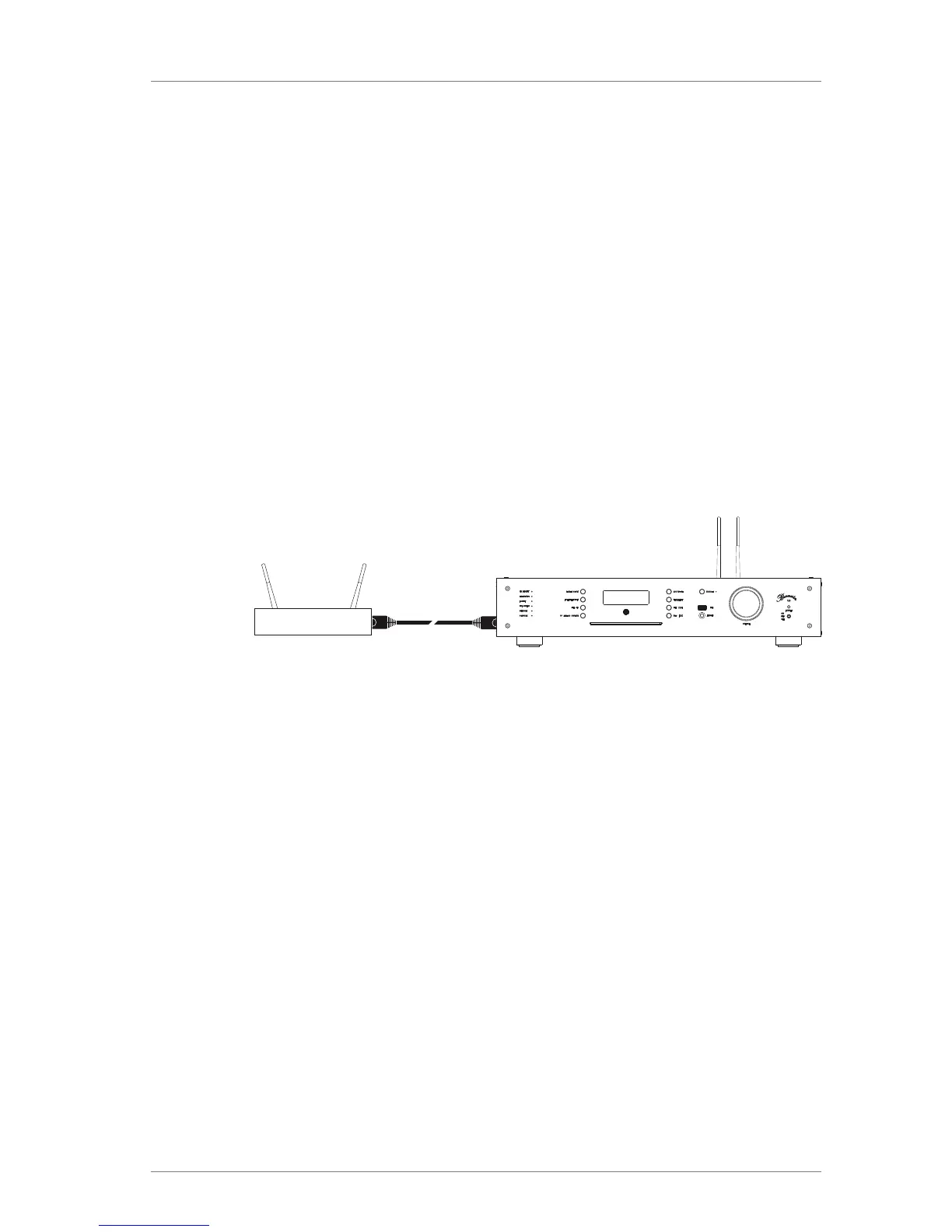
Establishing a network connection with an Ethernet cable
Router
1. Connect the 161 to your router using an Ethernet cable.
2. On the remote control, press the OSD button, then the buttons 7 – 8 – 9.
ª All LEDs on the left side of the device light up in orange.
3. On the remote control, press number button 0 and then the OK key.
ª During the switching process, the NETWORK LED on the device flashes red.
ª After switching the NETWORK LED lights up in orange, when the device is
connected to the network.
ª The color changes to green when the device is connected to the internet.
Note: If you have issues with the network connection, you can also contact your Burmester
dealer, who would be happy to help you during installation.



 To Next Page