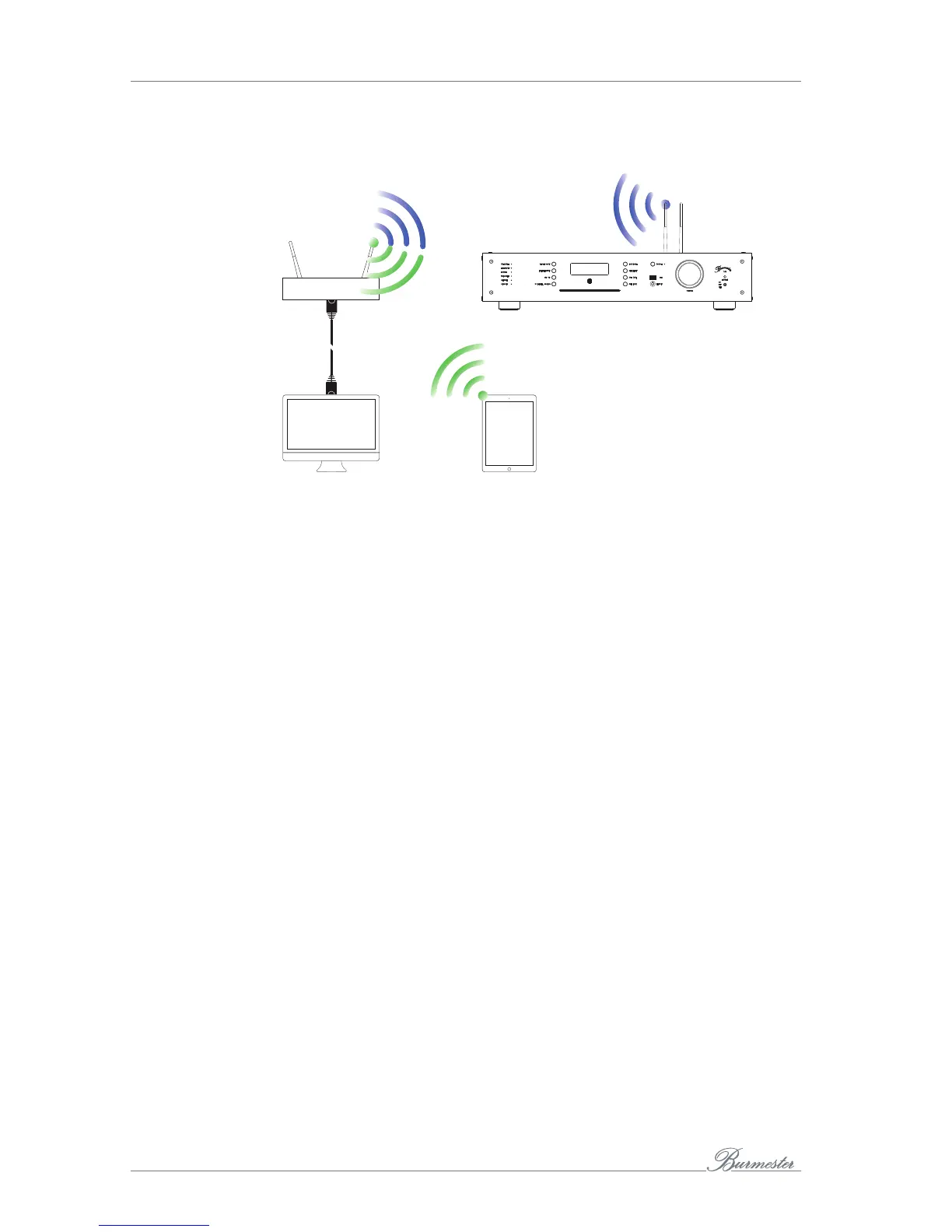
HOW TO CONNECT COMPUTER AND THE 161?
26
Connections using a Wi-Fi network connection
Router
PC, Mac: Web
interface
iPad: BurmesterMC App
or Web interface
Tablet: Web interface
Establishing a LAN connection between Router and
computer
►
Use an Ethernet cable to connect your computer to your router.
Establishing a Wi-Fi connection between 161 and iPad®
►
Please find the description on how to connect the 161 with an iPad® via Wi-Fi in the
separate manual „User Guide for Operation via the iPad®-App“ under the chapter
„How to connect the iPad® with the Burmester device“.
Establishing a Wi-Fi connection between 161 and
Tablet/PC/Mac
The procedure when using a different computer depends on the installed operating
system. Assistance may be obtained using the Help function of the operating system.
►
In case of a direct Wi-Fi connection with the 161 use the following specifications:
— Name of the network (SSID): Allinone161
— Password: Burmester161
►
In case of a Wi-Fi connection via a router use the following specifications:
— Name of the network (SSID): Name of the router
— Password: WLAN-password of the Router



 To Next Page