INSTALLING THE DEVICE
16
Connecting the power cord
WARNING
Missing or defective protective earth contact
A missing or incorrectly connected protective earth contact poses a
danger to life.
►
Before connecting the device, ensure that the protective earth
contact in your outlet is active.
►
Should you have any doubts, contact a qualified professional.
3
Make sure the MAINS switch is set to OFF.
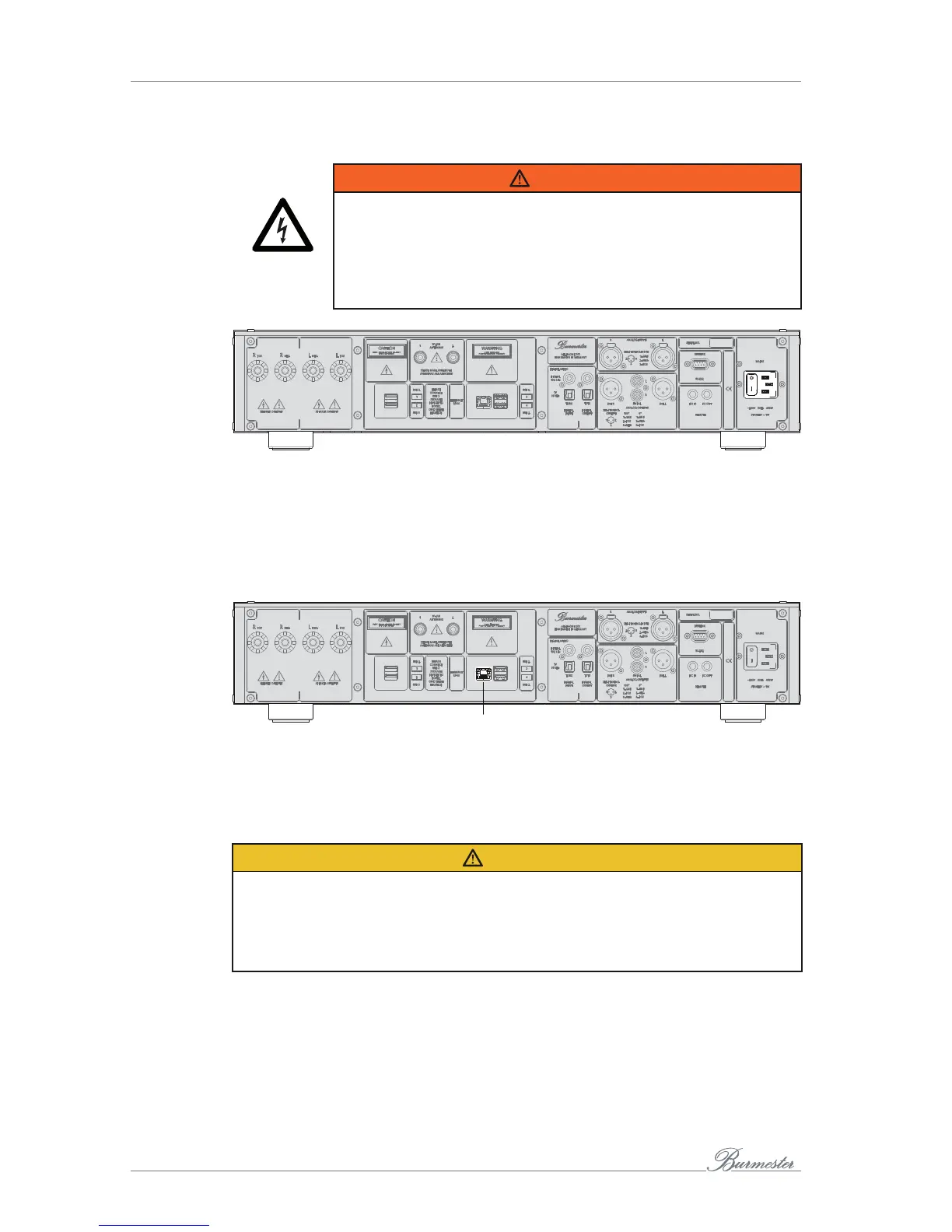
1. Connect the supplied power cord to the device and plug it into the AC outlet.
2. Switch the MAINS switch to ON.
Connecting a network cable
2
You can connect the 161 to your home network via the Ethernet connection (2) and a
network cable.
Headphone output
CAUTION
High-intensity sound
Loud output signals may damage your hearing.
►
Set the volume to a low level using the volume control (11) and adjust it slowly to
the desired volume.
►
Avoid listening to loud music for prolonged periods of time.



 To Next Page