25
H C
To operate the device with a computer (iPad®, Tablet, PC, Mac) a connection has to be
established between computer and 161. Depending on the computer used and the
type of connection between router and device - Wi-Fi or Ethernet cable – there are the
following possibilities:
Type of
computer
Type of connection Control software
Ethernet cable
between router
and 161
Wi-Fi connection
between router
and 161
PC/Mac
without Wi-Fi
Ethernet connection to
the router
Ethernet connection to
the router
Web browse
iPad® Wi-Fi connection to the
router or directly to
the 161
Wi-Fi connection to the
router
App or
Web browser
PC/Mac with
Wi-Fi, Tablet
Wi-Fi connection to the
router or directly to
the 161
Wi-Fi connection to the
Router
Web browser
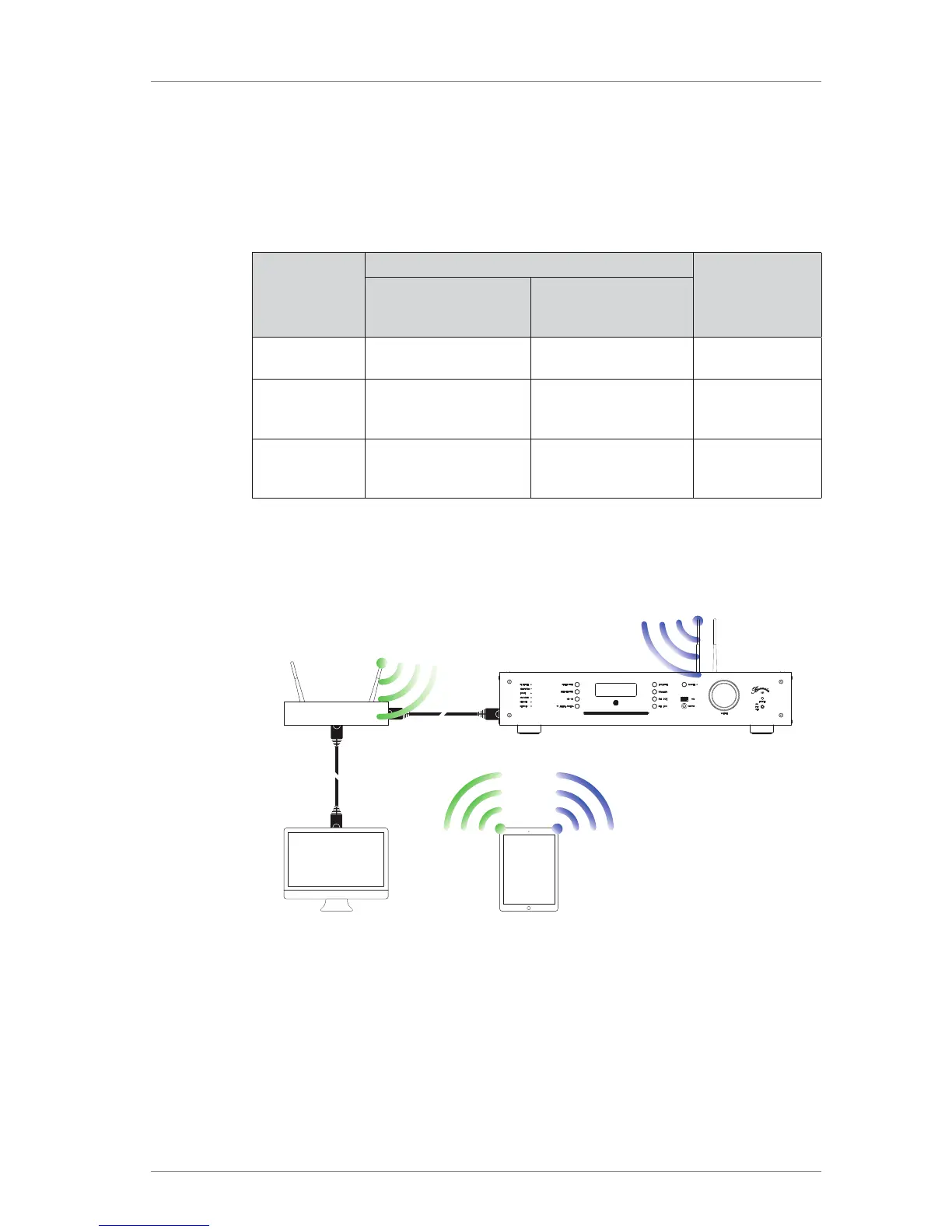
The following charts clarify further the different types of connection and the available
control software.
Connections using a network connection via Ethernet cable
Router
PC, Mac: Web
interface
iPad: BurmesterMC App
or Web interface
Tablet: Web interface



 To Next Page