12
About the Operating Modes
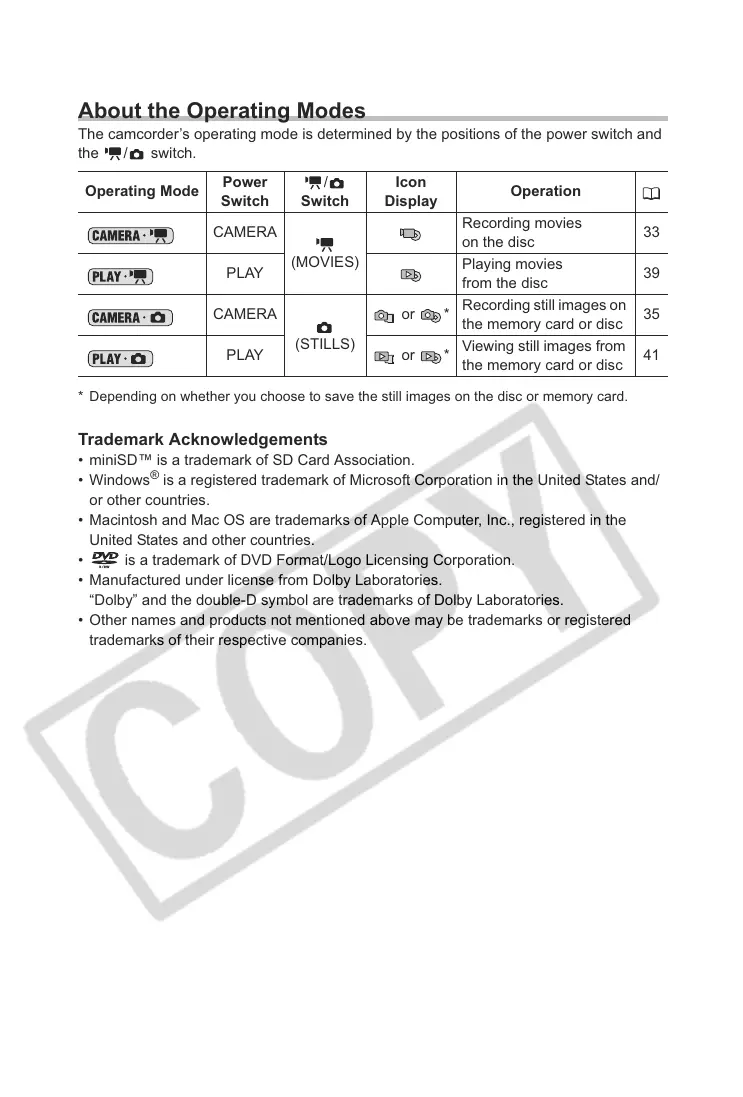
The camcorder’s operating mode is determined by the positions of the power switch and
the / switch.
* Depending on whether you choose to save the still images on the disc or memory card.
Trademark Acknowledgements
• miniSD™ is a trademark of SD Card Association.
•Windows
®
is a registered trademark of Microsoft Corporation in the United States and/
or other countries.
• Macintosh and Mac OS are trademarks of Apple Computer, Inc., registered in the
United States and other countries.
• is a trademark of DVD Format/Logo Licensing Corporation.
• Manufactured under license from Dolby Laboratories.
“Dolby” and the double-D symbol are trademarks of Dolby Laboratories.
• Other names and products not mentioned above may be trademarks or registered
trademarks of their respective companies.
Operating Mode
Power
Switch
/
Switch
Icon
Display
Operation
CAMERA
(MOVIES)
Recording movies
on the disc
33
PLAY
Playing movies
from the disc
39
CAMERA
(STILLS)
or *
Recording still images on
the memory card or disc
35
PLAY or *
Viewing still images from
the memory card or disc
41



 To Next Page