5
An Introduction to DVDs
You have probably heard of DVD discs and they come in various types and in two sizes -
the more common 12 cm DVDs and 8 cm Mini DVDs. This camcorder uses 8 cm DVD-R
discs (like the supplied one) or DVD-RW discs (commercially available).
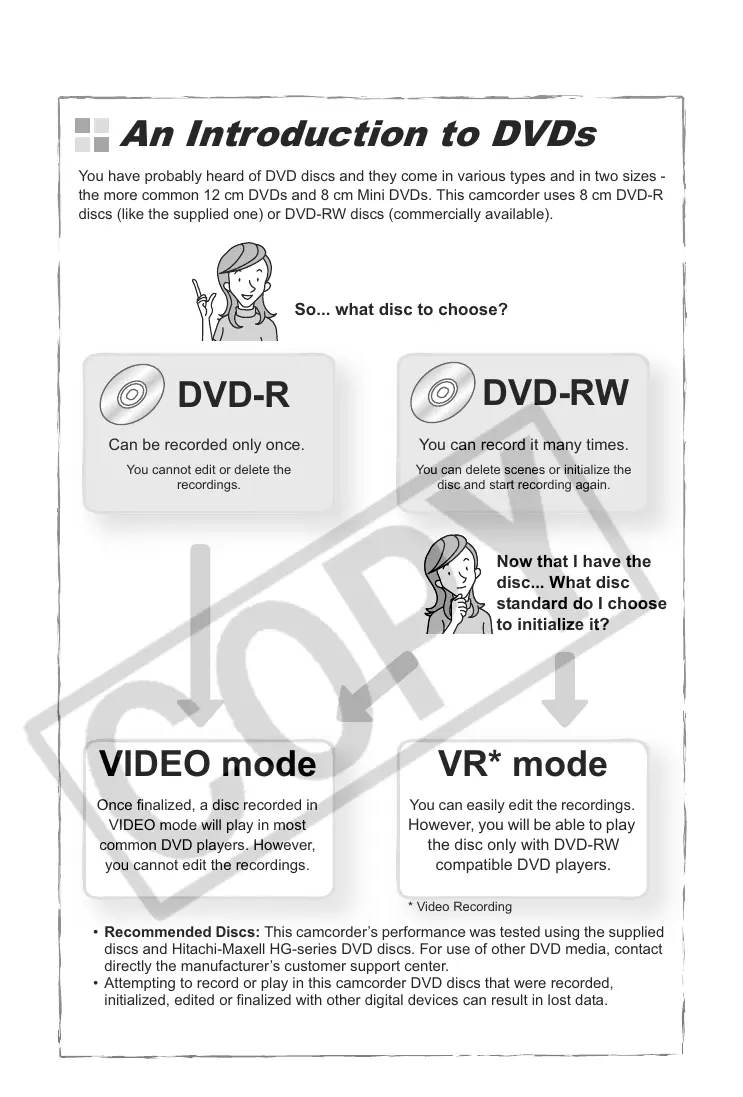
So... what disc to choose?
DVD-R
DVD-RW
Can be recorded only once.
You cannot edit or delete the
recordings.
You can record it many times.
You can delete scenes or initialize the
disc and start recording again.
Now that I have the
disc... What disc
standard do I choose
to initialize it?
VR* modeVIDEO mode
Once finalized, a disc recorded in
VIDEO mode will play in most
common DVD players. However,
you cannot edit the recordings.
You can easily edit the recordings.
However, you will be able to play
the disc only with DVD-RW
compatible DVD players.
• Recommended Discs: This camcorder’s performance was tested using the supplied
discs and Hitachi-Maxell HG-series DVD discs. For use of other DVD media, contact
directly the manufacturer’s customer support center.
• Attempting to record or play in this camcorder DVD discs that were recorded,
initialized, edited or finalized with other digital devices can result in lost data.
• You need to initialize newly bought DVD-RW discs with this camcorder before using
them for the first time.
* Video Recording



 To Next Page