119
Printing
E
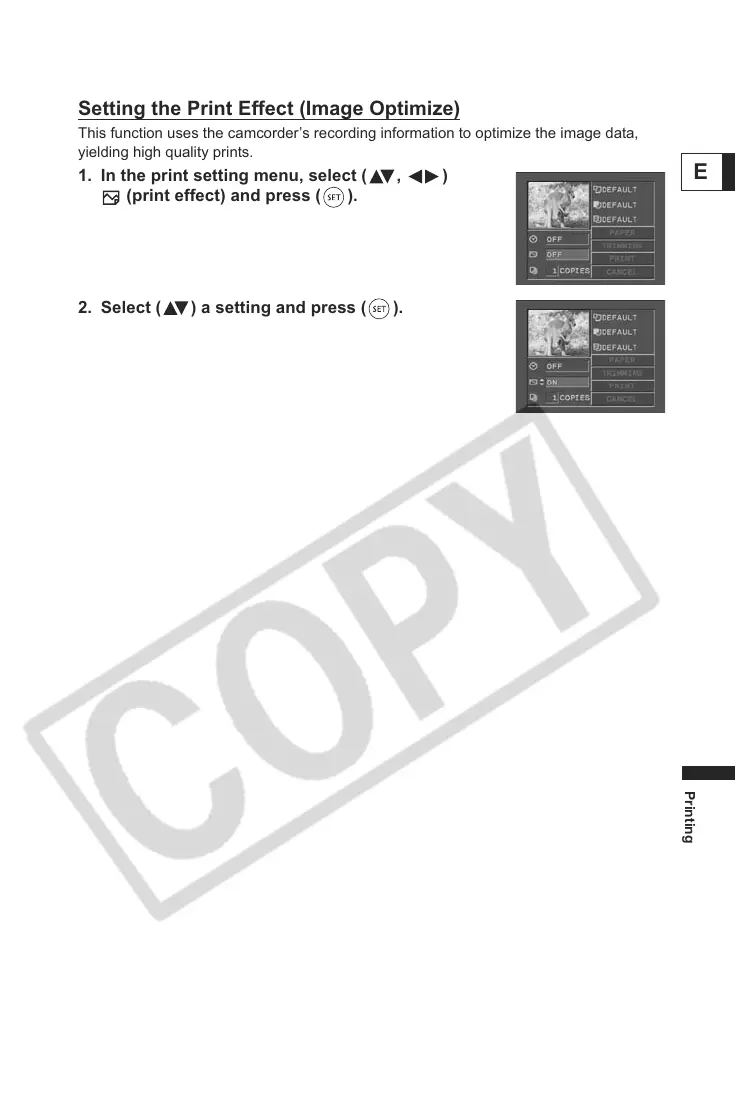
Setting the Print Effect (Image Optimize)
This function uses the camcorder’s recording information to optimize the image data,
yielding high quality prints.
1. In the print setting menu, select ( , )
(print effect) and press ( ).
2. Select ( ) a setting and press ( ).



 To Next Page